
Quick answer: Core Web Vitals are Google’s measures of loading performance, responsiveness and visual stability: Largest Contentful Paint (LCP), Interaction to Next Paint (INP) and Cumulative Layout Shift (CLS). Passing requires all three to meet their good thresholds at the 75th percentile of real-user experiences, assessed separately for mobile and desktop.
Key facts
- INP replaced First Input Delay (FID) on March 12, 2024. Interaction to Next Paint is officially a Core Web Vital 🚀
- Good LCP is 2.5 seconds or less. Largest Contentful Paint (LCP)
- Good INP is 200 milliseconds or less. Interaction to Next Paint (INP)
- Good CLS is 0.1 or less; it is a unitless score. Cumulative Layout Shift (CLS)
- Passing requires all three good thresholds at the 75th percentile, evaluated separately for mobile and desktop. Web Vitals
TL;DR: Identify the failing real-user metric, diagnose its cause on representative pages, fix the responsible component and verify improvement in field data.
- Largest Contentful Paint (LCP)
- The time from navigation start until the largest eligible visible image, text block or video renders.
- Interaction to Next Paint (INP)
- A measure of responsiveness across clicks, taps and keyboard interactions during a visit, capturing latency through the next paint.
- Cumulative Layout Shift (CLS)
- A unitless measure of visual instability based on the highest-scoring burst of unexpected layout shifts.
- Field data
- Performance measurements collected from real visits, rather than a controlled synthetic test.
What do Core Web Vitals measure?
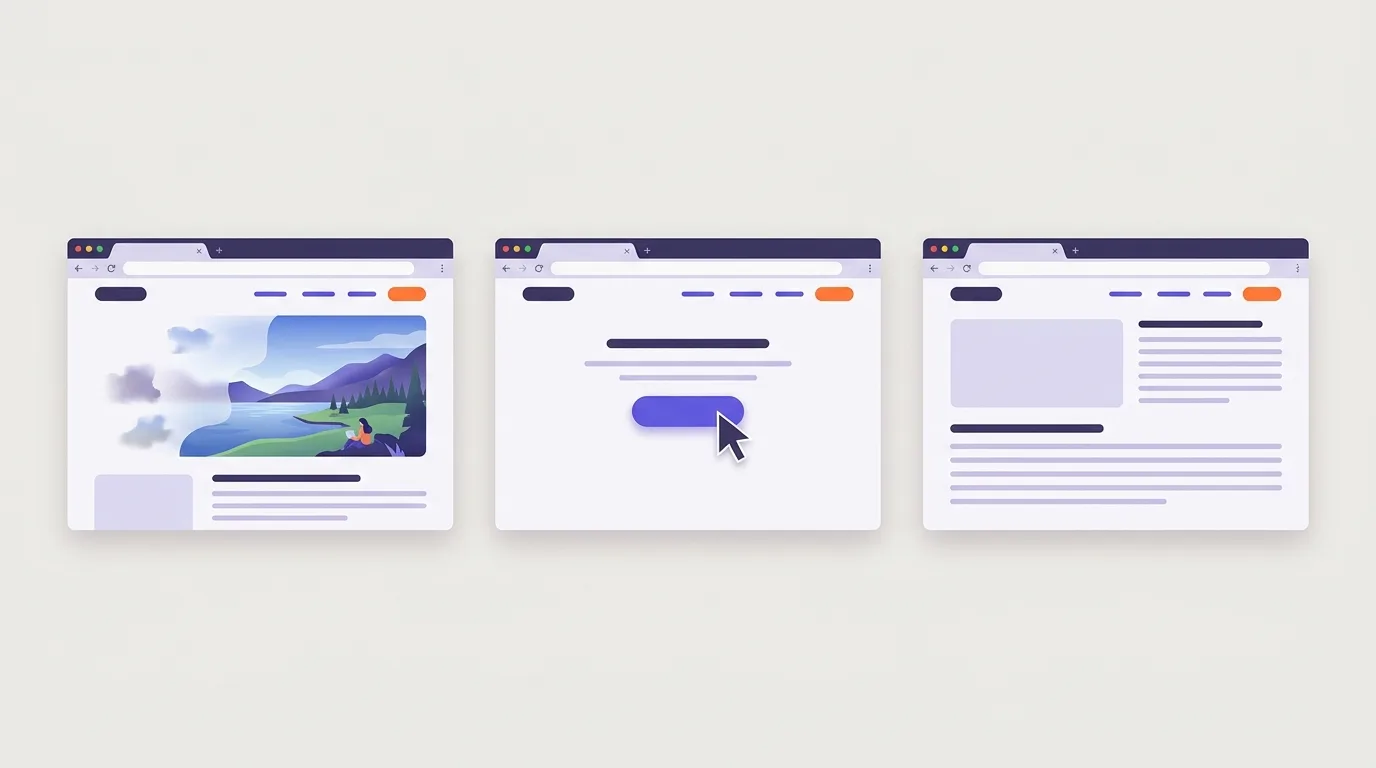
Core Web Vitals measure how quickly a page’s main content appears, how promptly it responds to interactions, and how stable its layout stays. Google’s current metrics are Largest Contentful Paint (LCP) for loading performance, Interaction to Next Paint (INP) for responsiveness, and Cumulative Layout Shift (CLS) for visual stability: web.dev.
These metrics form a focused set of user-experience performance measures. They are not a complete UX audit or a single page-speed score. A page can load quickly yet respond slowly or move content while someone reads.
How the metrics relate to a visit
Each metric describes a different part of the experience, from seeing content to using the page.
| Metric | User-centered example |
|---|---|
| LCP: loading | You open a page and wait for its large main image to appear. |
| INP: responsiveness | You click a button and wait for visible feedback. |
| CLS: visual stability | You read an article, but newly inserted content pushes the text down. |
INP replaced First Input Delay (FID) on March 12, 2024, so use INP when assessing current Core Web Vitals: web.dev.
The wider user experience discipline also covers whether people can understand, navigate and use a site to complete their goals.
Why do Core Web Vitals matter for SEO?
Core Web Vitals matter for SEO because Google uses them in its ranking systems, though passing does not ensure high rankings and chasing perfect scores solely for SEO may waste effort, as Google Search Central explains. They also help identify performance problems that make a page harder to use.
A failed assessment does not prohibit indexing: crawling, indexing and ranking are distinct parts of how search engines process pages.
Performance problems create user friction
User friction is anything that makes a visitor’s task harder, including waiting, uncertain feedback and unexpected movement.
- Slow main content: Visitors must wait to read the answer, see the product or understand what the page offers.
- Delayed feedback: A button that responds slowly can leave someone unsure whether their click worked.
- Moving controls: A layout shift can move a link or button just as someone tries to select it.
Prioritize problems that obstruct real tasks. Use synthetic test scores as diagnostic clues, not targets to perfect for SEO alone. Confirm that a change addresses the observed issue rather than assuming a better score means a better visit.
User engagement metrics describe visitor behavior, but a performance improvement alone does not establish an engagement or conversion gain.
LCP: diagnose what delays the main content
LCP diagnosis identifies what delays the largest visible content element and which part of its loading path needs work.
Largest Contentful Paint (LCP) records when the largest eligible image, text block or video in the viewport renders; a good result is at or below 2.5 seconds, according to web.dev. It does not measure when every page resource finishes loading.
Find the element, then trace the delay
The actual LCP element determines which loading path to inspect. Identify it in a performance trace before choosing a fix.
- Server response: Check whether a slow initial response delays delivery of the page. Address that wait before prioritizing media changes.
- Resource discovery and loading: Check when the LCP resource becomes discoverable and starts loading. Make it available early. If heavy main-content media takes too long to transfer, reduce its transfer burden. Use targeted resource prioritization only where evidence supports it, not blanket preload or prefetch rules.
- Rendering delay: Check whether render-blocking resources keep ready content from appearing. Remove or defer unnecessary blocking work.
Never lazy-load the LCP image, because this delays its loading, as web.dev explains; selectively lazy-loading offscreen media is a separate decision.
Caching, CDN configuration and compression are covered in page speed optimization.
Image-format implementation is covered in image optimization.
INP: diagnose slow clicks, taps and keyboard interactions
INP diagnosis identifies what makes clicks, taps and keyboard interactions slow to produce a visible response.
Interaction to Next Paint (INP) considers interactions throughout a visit, not just the first, and reports the longest latency after excluding outliers; a good INP is at or below 200 milliseconds, as web.dev explains.
What makes up interaction latency?
Interaction latency spans the wait for processing, the handler’s work and the delay before the next paint.
- Input delay: time before event handlers can start.
- Event-handler processing: time spent running the interaction’s handlers.
- Presentation delay: time between processing ending and the browser painting the update.
The endpoint is the next paint, not the completion of every asynchronous operation, such as a background request.
Trace a slow menu or filter
A performance trace shows the browser’s work around an interaction and helps locate the delay.
- Record a slow menu opening or filter change. Test interactions later in the visit, too.
- Inspect work before the handler. If scripts block the main thread, reduce unnecessary JavaScript execution, investigate third-party scripts and split long tasks.
- Inspect handler processing and rendering. Simplify costly handlers and avoid excessive layout work when the trace shows those costs.
Use workers only for suitable computation, not direct page updates. Retest the same interaction after each change.
Broader delivery improvements belong to page speed optimization; search-engine rendering concerns belong to JavaScript SEO.
CLS: prevent unexpected movement throughout the visit
CLS prevention keeps content stable throughout a visit by finding unexpected movement and addressing its causes.
Cumulative Layout Shift (CLS) measures the highest-scoring burst of unexpected layout shifts, not all movement added together over a page’s lifetime; a good score is at or below 0.1, and the value is unitless, not a duration, as web.dev explains.
Find the cause and reserve space
Reserved space gives incoming content room without pushing existing content aside.
- Check beyond initial loading. Monitor asynchronous content, including ads, embeds and dynamically inserted notices, that pushes existing content down during a visit.
- Separate the symptom from the cause. If an article jumps when an ad appears above it, the article is displaced; the ad container caused the shift.
- Size containers before content arrives. Give images and videos explicit width and height attributes, or reserve space with CSS aspect-ratio, as web.dev recommends. Reserve suitably sized containers for ads and third-party embeds too.
- Check font changes. font-display: swap does not itself prevent CLS: fallback and final font metrics can differ, changing line breaks and moving nearby content.
Readability and typography covers font choices and text layout for comfortable reading.
Pop-ups and intrusive interstitials covers overlays and the policies that apply to them.
Common mistakes that hide or create performance problems
This checklist covers mistakes that hide Core Web Vitals problems or shift delays rather than resolve them.
- Confusing a lab score with a pass. A high Lighthouse performance score is not proof of passing. PageSpeed Insights does not provide a single overall Core Web Vitals score. Distinguish lab data from field data: passing requires all three metrics to meet their good thresholds at the 75th percentile, assessed separately for mobile and desktop (web.dev).
- Testing only the homepage or initial load. Check representative templates and meaningful interactions, such as opening navigation, filtering products and submitting forms.
- Applying blanket fixes. Replace a generic minification, lazy-loading and caching checklist with evidence-led changes. Blanket lazy loading can delay important content; Google recommends never lazy-loading the LCP image (web.dev). Indiscriminate preloading can create resource competition. Merely deferring scripts can move work into later interactions.
- Combining device results. Keep mobile and desktop findings separate. Do not treat a pass on one as evidence for the other.
- Ignoring regressions. Recheck after template, tag or third-party content changes. Treat these as potential regression sources, not proof that every third-party script is harmful.
A technical SEO audit provides the broader process for investigating technical site issues.
A UX audit provides the broader process for checking usability across user journeys.
How do you check and verify a Core Web Vitals pass?
A verified Core Web Vitals pass requires LCP, INP and CLS to meet their good thresholds at the 75th percentile, separately for mobile and desktop: at least three quarters of recorded experiences must meet each threshold, as web.dev explains. Use aggregate field data, not an individual test run.
| Metric | Good threshold |
|---|---|
| LCP | 2.5 seconds or less — web.dev |
| INP | 200 milliseconds or less — web.dev |
| CLS | 0.1 or less — web.dev |
Verification workflow
Verification combines real-user evidence with controlled diagnostics and ongoing checks.
- Locate affected groups. Start in Google Search Console’s Core Web Vitals report. Investigate representative URLs; grouped pages are not necessarily identical. For setup, see Google Search Console.
- Record the baseline. In PageSpeed Insights, separate Chrome User Experience Report (CrUX) field data from Lighthouse lab data. Check whether field results cover the URL or the whole origin. Missing field data is not a pass.
- Reproduce the problem. A standard Lighthouse navigation audit does not measure field INP. Total Blocking Time offers a diagnostic clue, not an interchangeable metric. Use Chrome DevTools Performance tooling to reproduce slow interactions and layout shifts. Add real-user monitoring with the web-vitals library when you need finer evidence.
- Fix and retest. Deploy a targeted fix, then retest under comparable conditions. Keep development-time regression checks to catch new problems before release.
- Watch field results. Allow the rolling collection window to reflect changed experiences; aggregate reports need not change immediately. Keep monitoring: SEO is a continuous cycle.
Frequently asked questions
Can a WordPress performance plugin fix Core Web Vitals on its own?
A WordPress performance plugin is an optimization aid, not a complete fix for every site. Whether it is enough depends on what causes the problems. Diagnose loading, responsiveness, and layout stability before changing settings. Some fixes need changes to page assets or layout, such as reserving space for images to prevent shifts, as explained by web.dev.
What happens to INP when a visitor never interacts with the page?
INP measures responsiveness to qualifying interactions, so a visit without any qualifying interaction has no INP value, as explained by web.dev. Treat that as missing data, not a perfect responsiveness score. The page may still have loading and layout stability measurements, but the visit provides no evidence of how quickly it responds to input.
Can you measure Core Web Vitals on pages behind a login?
Core Web Vitals measure the experience in a visitor’s browser, so pages behind a login can be measured during authenticated visits. Collect measurements within those sessions rather than relying on a public URL check. Cover loading, responsiveness, and visual stability, the areas defined by web.dev. Keep passwords, session tokens, and private page content out of performance reports.
Does scrolling count as an interaction for INP?
Scrolling itself is not a qualifying INP interaction. INP assesses click, tap, and keyboard interactions, as explained by web.dev. A visitor who only scrolls may therefore leave no INP measurement. Jerky scrolling can still signal a poor experience, but do not use INP alone to judge scrolling smoothness or overall page usability.