
Quick answer: Local SEO reporting combines business profile performance, geographically sampled rankings, website activity and verified business outcomes to explain local search results. A useful report separates visibility from customer actions and qualified leads, identifies each metric’s source and limitations, compares consistent periods, and recommends actions without treating every interaction as a sale.
Key facts
- Google Business Profile performance can include both organic results and Google Ads activity. Understand your Business Profile performance & insights
- Business Profile Calls measures call-button clicks, not completed calls. Understand your Business Profile performance & insights
- Business Profile Searches updates monthly; updates can take up to five days to appear. Understand your Business Profile performance & insights
- Search Console has a Countries dimension, but no city, region or ZIP-code dimensions. Performance report (Search results): Overview and basic setup
- Google Analytics geography is approximated from IP addresses, not precise customer locations. [GA4] Predefined user dimensions
TL;DR: Build a source-labeled local report that connects visibility to verified leads, explains measurement gaps and ends with prioritized actions.
- Local SEO report
- A recurring account of local search visibility, customer interactions and business outcomes, including limitations and recommended actions.
- Geo-grid ranking report
- A map of sampled rankings for a fixed query at multiple geographic points, rather than a single rank for an entire city.
- Key event
- An event marked in Google Analytics as important to the business, which does not inherently establish lead quality.
- Qualified local lead
- An inquiry verified against the business’s service, geographic and customer-fit criteria.
What is local SEO reporting?
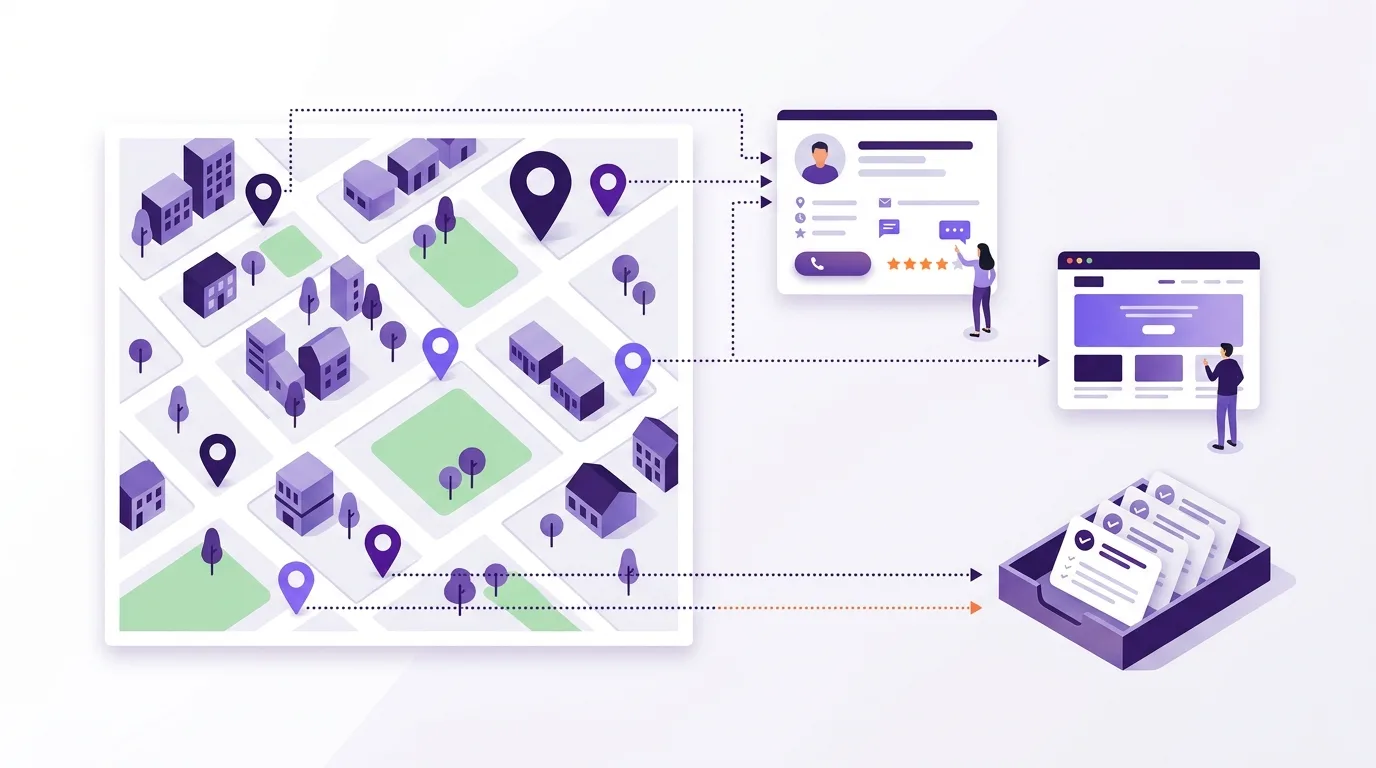
Local SEO reporting shows how your business performs in local search and whether that activity leads to business. It tracks search visibility alongside verified leads, but keeps them distinct. A ranking screenshot isn’t enough to explain what changed or what you should do next.
Define the reporting scope
Set clear boundaries so readers know what they’re looking at. State:
- Business or location: Which branches the report covers.
- Service area: Which towns or neighborhoods matter.
- Reporting period: The dates covered and the period used for comparison.
- Channels: Which search channels you include and whether paid activity is in scope.
- Intended reader: Who needs the findings and which decisions they face.
Keep observations separate
A profile interaction isn’t a lead or sale. Keep profile data separate from website activity and CRM leads unless you have evidence that links them. Without that link, you have separate views of customer activity, not a fully tracked journey.
Use the general SEO reporting framework to structure your report.
Which metrics show whether local SEO is helping?
Verified leads and sales show business value when you can confirm their source. Use search visibility to help explain those outcomes, not replace them. Choose SEO KPIs tied to your goals; higher rankings alone don’t prove that you’ve won more business.
| Business question | Metric and source | What to check |
|---|---|---|
| Did search bring business? | Qualified leads or sales from CRM records | Check lead quality and how the source was assigned. |
| Where do you rank? | Local pack rankings from a geo-grid tracker | The results cover sampled points, not every searcher. |
| Was the profile seen? | Views from Google Business Profile | Use the Views definition in the source table below. |
| Did people act? | Profile actions, such as website clicks or direction requests | An action isn’t a verified lead; a direction request isn’t a confirmed visit. |
Only report a lead conversion rate when you can reliably match verified inquiries to the relevant GA4 sessions. For location pages, divide sessions with a verified inquiry by all sessions that began on those pages. Use the same dates and filters for both.
If you can’t make that match, report website events and verified CRM leads separately. Don’t divide CRM leads by unrelated profile views. SEO attribution explains how to link outcomes to marketing activity.
Include review trends when they help explain a change, not as a required outcome metric. Local review management covers how to manage feedback.
Choose sources and document what they actually measure
If you want to know whether a branch won more work, start with its lead records. Profile data can show interest, but it can’t confirm a booking. Choose the source that answers your question, then put its limits beside the metric.
| Source | Metric and limit |
|---|---|
| Google Business Profile performance | Views: Unique profile visitors, not every appearance on Google. Some extra counting can occur across devices and platforms. Google’s definition. |
| Google Business Profile | Calls: Clicks on the call button, not completed calls. Google’s definition. |
| Google Business Profile | Searches: Terms that brought up the profile. Google’s definition. |
| Google Business Profile | Performance totals: Can include activity from Google Ads as well as organic results. Don’t label them organic-only. Google’s scope. |
| Google Search Console | Clicks and impressions: Use query or page filters to study searches with local intent. The location dimension covers countries, not cities, regions or ZIP codes. Search Console Help. |
| Google Search Console | Average position: The average position of your site’s topmost result. It isn’t a fixed local pack rank. Google’s definition. |
| Google Analytics 4 | Website activity: Review traffic sources and location pages. City and Region are estimates based on IP addresses, not proof of where someone lives. Google Analytics Help. |
| Location-aware rank tracker | Local rankings: Show visibility at sampled points. Save the query and coordinates with each result, plus the date and search surface. |
| CRM or booking records | Verified leads and bookings: Show outcomes. Label missing source data as unknown, not organic. |
Connect profile visits and website activity to leads
Say your profile links to a branch page with a booking form. You need to identify visits from that link, then check whether a form submission became a valid inquiry.
- Keep location names consistent. Use a shared location ID in your report and profile destination URL. Add it to lead records where feasible, so you can review each branch page on its own.
- Tag profile website links consistently. For example, use utm_source=google&utm_medium=organic&utm_campaign=gbp_location_slug. These values identify the tagged link. They don’t prove what caused the visit or how much extra value SEO added. In this convention, reserve the gbp_ campaign prefix for profile links and report them as “tagged profile-link traffic,” not “organic SEO leads.” Keep paid-ad destinations under separate paid campaign tags or ad-platform tracking. The organic medium label alone doesn’t establish whether paid activity played a part. Include all the recommended UTM fields and review them in GA4 Traffic acquisition, as described by Google Analytics. See campaign tracking for the tagging process.
- Measure actions that matter. Mark important GA4 events as key events. That setting applies from the time you create it; it doesn’t change past data, per Google Analytics. See Google Analytics 4 for SEO for setup. Track successful form submissions apart from button clicks. Use lead records to confirm quality and booked work.
- Record what tracking misses. Tagged links cover people who follow those links, not every profile action. Record when tracking began and how you assign sources to leads. Leave untracked outcomes visible rather than forcing them into a channel. See SEO ROI and attribution for attribution models.
Report local rankings with geographic context
A single city-wide rank can hide large differences between neighborhoods. Use a geo-grid to check rankings at set points in the area you serve. Those results show sampled visibility, not traffic or revenue.
- Identify the evidence. Save the details needed to repeat the check:
- Queries tracked
- Grid or sampled coordinates
- Search surface, such as Google Maps
- Device used
- Collection date
- Data provider
- Separate search surfaces. Keep local pack and Google Maps results apart from website rankings. Don’t blend them into an unexplained average.
- Keep comparisons consistent. Use the same points and queries across periods. Disclose changes to the sample, and keep not-found results rather than dropping them.
- Limit competitor claims. Compare businesses under the same search conditions. Rankings don’t reveal a competitor’s leads or sales.
For Search Console’s ranking limits, refer to the source table above.
Rank Tracking covers setup for repeatable checks. Use Local Keywords to choose queries for the markets you serve.
Common mistakes that make local reports misleading
A report can use correct data and still tell the wrong story. Check the labels as closely as the figures.
- Mislabeling profile metrics. Avoid labels such as “all Google impressions” for Views or “completed calls” for Calls; refer to the source table for their definitions.
- Adding overlapping activity. Don’t add profile website clicks to GA4 sessions and call the total unique visitors. Search Console clicks can overlap with those visits too.
- Expecting query totals to match. Search Console hides some queries for privacy. Their data stays in chart totals unless you apply a query filter, according to Google.
- Overstating location evidence. Don’t label a city-named query “a search by a city resident”; refer to the source table for location limits.
- Confusing timing with cause. A rise in rankings alongside more leads doesn’t prove that one caused the other. When analyzing SEO data, record changes that could affect the comparison:
- Promotions or paid campaigns
- Seasonal demand
- Closures or changed opening hours
- Tracking changes
- Treating signals as verdicts. Engagement metrics can point to something worth checking. A high bounce rate alone doesn’t prove that local content is poor. More citations don’t necessarily explain more leads.
How do you check and deliver a useful local SEO report?
Check the data before you explain a trend. Compare complete periods and make gaps clear. A monthly review is a useful starting point, with tracking checks between reports. Add a year-over-year view when you have comparable data and seasonal demand matters.
- Use a repeatable structure. Open with the scope and business outcomes. Follow with a scorecard that names each source, then show geographic visibility. Explain the main changes before setting next actions.
- Check freshness. Google Business Profile Searches updates start each month and can take up to five days to appear, per Google Business Profile Help. Label incomplete or stale data.
- Validate before sending. Check:
- Date ranges and time zones
- Location IDs
- Tag naming
- Duplicate leads
- Missing values
- Rank samples
- GA4 key-event start dates
- Test the journey. Follow a tagged profile link and test the lead form. Check the records that each step creates. Investigate gaps, but don’t force different metrics to match.
- Make the report easy to read. Use Looker Studio or another dashboard for shared scorecards and trend charts. Show source names and refresh times. SEO Dashboards covers setup and data connections. Scheduled delivery still needs a data check.
- Assign follow-up. Give each action an owner and a date to check progress. Persistent gaps may need a local SEO audit. For a group of branches, keep location-level exceptions visible; see Multi-Location SEO.
Frequently asked questions
Can I create a useful local SEO report using only free tools?
Yes. Start with Google Business Profile and Search Console, then use a spreadsheet to record trends alongside qualified leads. You won’t have a complete record of each customer’s journey. For profile data limits, refer to the source table above.
What can a local SEO report show if the business has no website?
You can still report profile visibility and customer interest. Use profile data alongside an inquiry log, with qualified leads and bookings shown separately. Mark the source as unknown when you can’t confirm it. For Calls labels, refer to the source table above.
How should a service-area business report performance without a public storefront address?
Focus on the areas you serve rather than visits to a storefront. Group confirmed leads by the location where the customer needs work done. Keep your private address out of the report. Use geographic rank samples to assess search visibility across those service areas.
How should I present results when a location receives very few leads?
Lead with raw inquiry and booking counts, then compare longer periods of equal length. A small change in counts can cause a large percentage swing. Keep confirmed leads separate from search visibility. Explain tracking gaps or changes in demand, and treat early trends as tentative rather than proof of SEO impact.