
Quick answer: Google Business Profile is a free tool that lets eligible businesses manage how they appear on Google Search and Google Maps. Businesses can claim and verify a profile, maintain accurate contact details and hours, and publish useful updates. Eligibility generally requires serving customers in person, either at a business location or at customers’ locations.
Key facts
- Google Business Profile manages business listings on Google Search and Google Maps. Business Profile: Definition
- Eligible businesses can add or claim a profile at no charge. Add or claim your Business Profile
- Eligibility generally requires a customer-facing location or travel to customers. Guidelines for representing your business on Google
- Google determines which verification methods a business can use. Verify your business on Google
- Performance data requires verification and can include organic and Google Ads activity. Understand your Business Profile performance & insights
TL;DR: Claim and verify an eligible profile, represent the business accurately, keep customer-facing details current, and check performance without treating profile activity as a ranking guarantee.
- Google Business Profile
- Google’s free tool for managing an eligible business’s presence on Search and Maps, formerly called Google My Business.
- Verification
- Google’s process for checking that a business is genuine and that the person managing its profile is authorized.
- Primary category
- The category that best describes the business’s main activity and helps Google understand what it offers.
- Service-area business
- A business that visits or delivers to customers rather than receiving them at its business address.
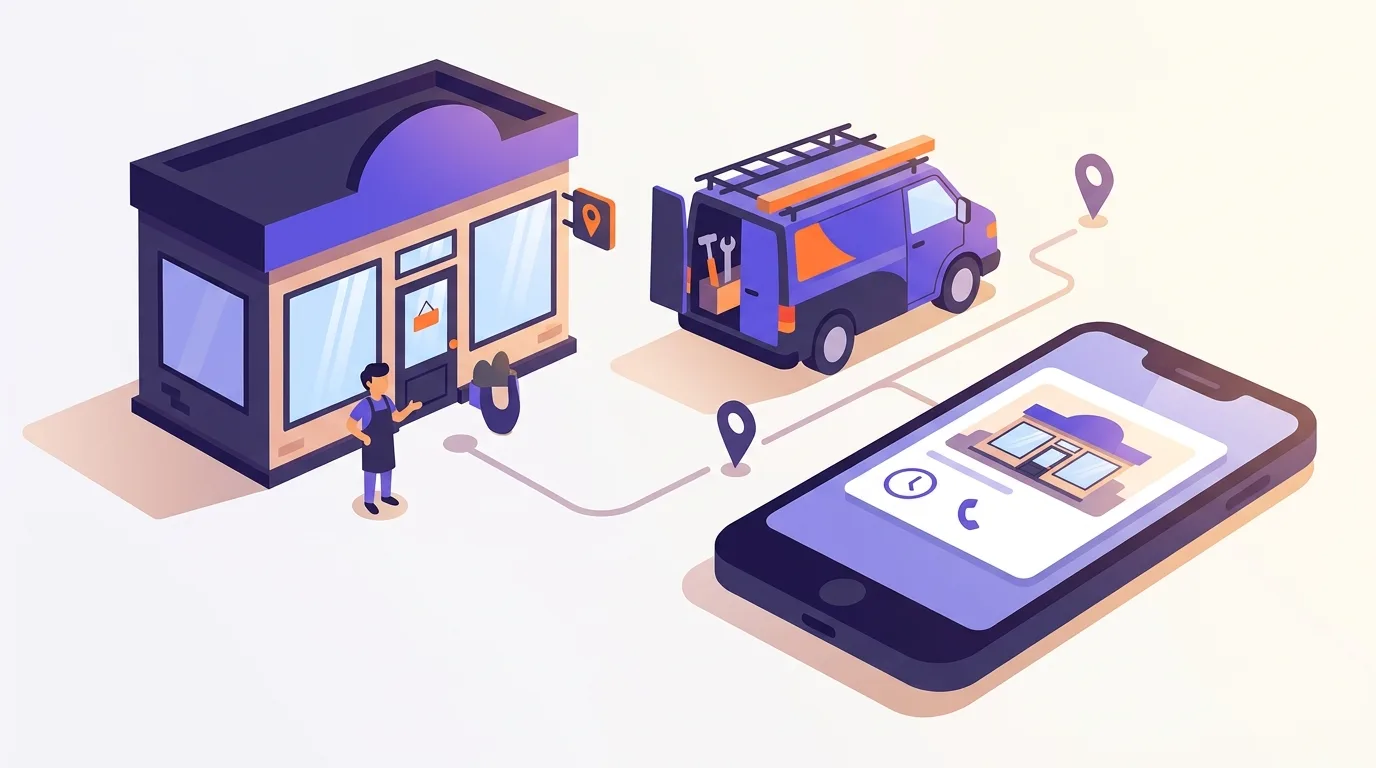
What is Google Business Profile, and who is eligible?
Google Business Profile, formerly Google My Business, lets you manage your business listing on Google Search and Google Maps (Google). Eligible businesses can add or claim a profile for free (Google).
Your business needs in-person contact with customers to qualify. Customers can visit your location, or you can travel to theirs (Google). Your profile gives them practical details, such as your opening hours and how to reach you.
Which types of business qualify?
| Business type | Example |
|---|---|
| Storefront business | A shop where customers visit and buy goods. |
| Service-area business | A plumber who visits customers rather than receiving them at a business address. |
| Hybrid business | A repair business that serves customers at its workshop and visits their homes. |
An online-only business with no qualifying in-person contact isn’t eligible. Check Google’s eligibility rules before you start setup.
Local SEO is the broader work of helping nearby customers find a business through search; a profile is one part of that work.
Why does an accurate profile matter for local visibility?
Accurate details help Google understand what your business offers. They also help customers decide whether it meets their needs. Accuracy alone won’t secure a particular ranking.
What shapes local rankings?
Google says local results mainly depend on how well your business matches the search, how far away it is, and how well known it is. Google calls these factors relevance, distance, and prominence.
You can make your services clear, but you can’t change how far your shop is from a customer. Treat profile setup as a way to describe your business well, not as a formula for reaching a set position.
The local pack is a group of local business results shown in Google Search, often alongside a map.
Accurate details support customer decisions
Correct hours help people plan a visit. A working website link lets them check your services before they call, while clear photos help them recognize your premises when they arrive.
How do you claim and verify a Google Business Profile?
Start by checking whether your business already has a listing. Claim the matching profile rather than creating a second one.
- Keep account access under business control. Use a Google Account your business can still access when staff or agencies change.
- Find or add the profile. Search for your business name and location in Google Search or Google Maps. Claim the matching listing if you can. If none exists, eligible businesses can add one at no charge (Google).
- Resolve existing ownership. If another account manages the profile, follow the ownership-request steps for that listing. Don’t create a replacement to bypass the owner.
- Follow Google’s verification steps. Google chooses the methods available to you, and you can’t change them. Some businesses must use more than one method. Follow the requirements Google displays for your profile (Google).
Multi-location SEO covers profile setup and management for businesses with multiple locations.
Complete the fields that describe the real business
Use details that match how you serve customers today. Don’t add keywords or services just because you want to rank for them.
- Business name: Use your real-world name. Extra keywords or other needless details can lead to suspension (Google).
- Primary category: Choose a close match for your main business, such as Italian restaurant. Add other categories only if they fit what you do.
- Address or service area: Show an address where you receive customers. If you travel to customers and don’t serve them at your address, hide that address on your profile (Google).
- Phone: Use a number your business controls and answers.
- Website: Test the link. It should open a working page that fits the business or location.
- Hours: Set your regular hours. Add special hours for holidays and other changes.
- Description and services: Explain what you do in plain terms. List services you actually offer.
- Attributes: Choose only details that are true for your business. Available fields can vary by business type and region.
NAP consistency means keeping your business name, address and phone details aligned across platforms.
Local on-page SEO helps the linked location page explain that location’s services and customer details.
Maintain photos, posts, and customer-facing information
Update your profile when the business changes. New opening hours matter more to a customer planning a visit than a steady stream of posts.
Photos and posts
Choose clear photos that show what customers can expect. For a shop, that might mean the entrance and the goods you sell. Replace images that no longer reflect the business rather than uploading more for the sake of volume.
Google supports these post types (Google):
| Post type | Purpose and example |
|---|---|
| Update | Share news, such as the launch of a repair service. |
| Offer | Describe a promotion, such as a seasonal discount with clear terms. |
| Event | Announce an activity, such as an in-store workshop with dates and times. |
Posts older than six months are archived unless a date range is set (Google). Check time-sensitive posts so customers don’t rely on an old offer.
Change-led maintenance
When plans change, revise your hours and contact details right away. Check your service list when you change what you sell, and remove stale announcements.
More reviews and positive ratings may help local ranking (Google). You can ask for reviews based on genuine experiences, but don’t offer incentives, discourage negative feedback, or ask only happy customers. Those limits apply to your review requests under Google’s review policy.
Coordinate social posts with your broader local content planning so customers see consistent news across channels.
Avoid policy violations and misleading optimization shortcuts
Don’t change the facts about your business to chase a ranking. A profile should reflect where and how you serve customers.
- Keyword-stuffed names: Follow the real-world naming rule above.
- Misleading categories: Check each choice against the services your business actually provides.
- Wrong address display: Follow the address rules in the field checklist above.
- Duplicate profiles: Maintain the existing listing rather than creating another to replace it.
- Ineligible locations: Don’t treat an extra service area as a separate business location. Check whether each proposed location meets Google’s eligibility rules.
Handle suspension without creating another profile
If your profile is suspended, check the policy issue and fix any false or outdated details. Use Google’s available appeal process rather than creating another profile to evade the restriction.
For broader search policy and spam context, see Google algorithm updates and spam policies.
How can you check accuracy and measure profile performance?
Compare your public profile with how your business operates today. Then review profile activity to see how people find and use the listing. These are separate checks: correct details don’t prove sales, and more activity doesn’t prove the details are right.
Check what customers see
Open your listing in Google Search and Google Maps. Check each part on its own:
- Does the displayed name match your business?
- Does the category fit your main service?
- Is the map pin or service area correct?
- Do the hours reflect when you’re open, including holidays?
- Does the phone number work?
- Does the website link open the right page?
- Do the photos still show what customers can expect?
Review activity, then assess outcomes
Performance data is available only for verified profiles. It includes views and searches, plus actions people take on the profile (Google). Review the metrics available for your business and look for changes over time.
The data can include activity from Google Ads as well as organic search results. Don’t treat it as a pure organic SEO report (Google).
A call click isn’t proof of a completed call. A request for directions doesn’t confirm a visit, either. Compare profile actions with your own records before drawing conclusions about sales or bookings.
Use website-link campaign tagging to track visits to your site. For ways to combine that data with other measures, see local SEO reporting.
Repeat the maintenance loop
Follow the change-led maintenance checks above.
Frequently asked questions
Is Google Business Profile free?
Eligible businesses can add or claim a profile at no charge, according to Google.
Can I choose how to verify my profile?
You can’t change the verification methods Google makes available. Some businesses must use more than one method, so follow the steps shown for your profile (Google).
Should I show my address if I only visit customers?
If you don’t receive customers at your business address, hide it from customers on your profile. That’s Google’s rule for service-area businesses (Google).
Sources
- Business Profile: Definition
- Add or claim your Business Profile
- Guidelines for representing your business on Google
- Tips to improve your local ranking on Google
- Verify your business on Google
- Create & manage posts on your Business Profile
- Prohibited & restricted content
- Understand your Business Profile performance & insights