
Quick answer: On-page SEO for local pages is the optimization of a website page that serves customers in a particular location. It combines clear service-and-location information, useful local evidence, descriptive titles and headings, internal links, and accurate business markup to help search engines understand the page and customers decide whether to contact the business.
Key facts
- Google recommends descriptive, distinct titles without imposing a fixed character limit. Influencing Title Links in Google Search
- City-targeted pages that funnel visitors elsewhere can constitute doorway abuse. Spam Policies for Google Web Search
- LocalBusiness represents a physical business or branch, not a geographic service area. LocalBusiness – Schema.org Type
- Google’s LocalBusiness rich-result requirements include a business name and physical address. Local Business (LocalBusiness) Structured Data
- Business reviews on the business’s own website are ineligible for Google’s LocalBusiness review stars, including embedded third-party reviews. Review Snippet (Review, AggregateRating) Structured Data
TL;DR: Make each local page genuinely useful for its intended customers, then align its titles, headings, links, business details, and markup with what the business actually offers there.
- Local landing page
- A website page addressing a business location or a genuinely served area and the needs of customers there.
- Service-area page
- A page explaining services available in a geographic area without necessarily claiming a physical business location there.
- LocalBusiness structured data
- Schema.org markup describing a physical business or branch through machine-readable properties.
- Doorway abuse
- Creating pages to rank for similar searches while funneling visitors toward another destination rather than providing useful destinations themselves.
What is on-page SEO for local pages?
On-page SEO for local pages means improving a page so people can see what you offer and where you work. Start with clear service details and honest local facts. Then make the page easy to find and use.
A local landing page belongs to your website. It’s separate from a Google Business Profile or a listing on another site.
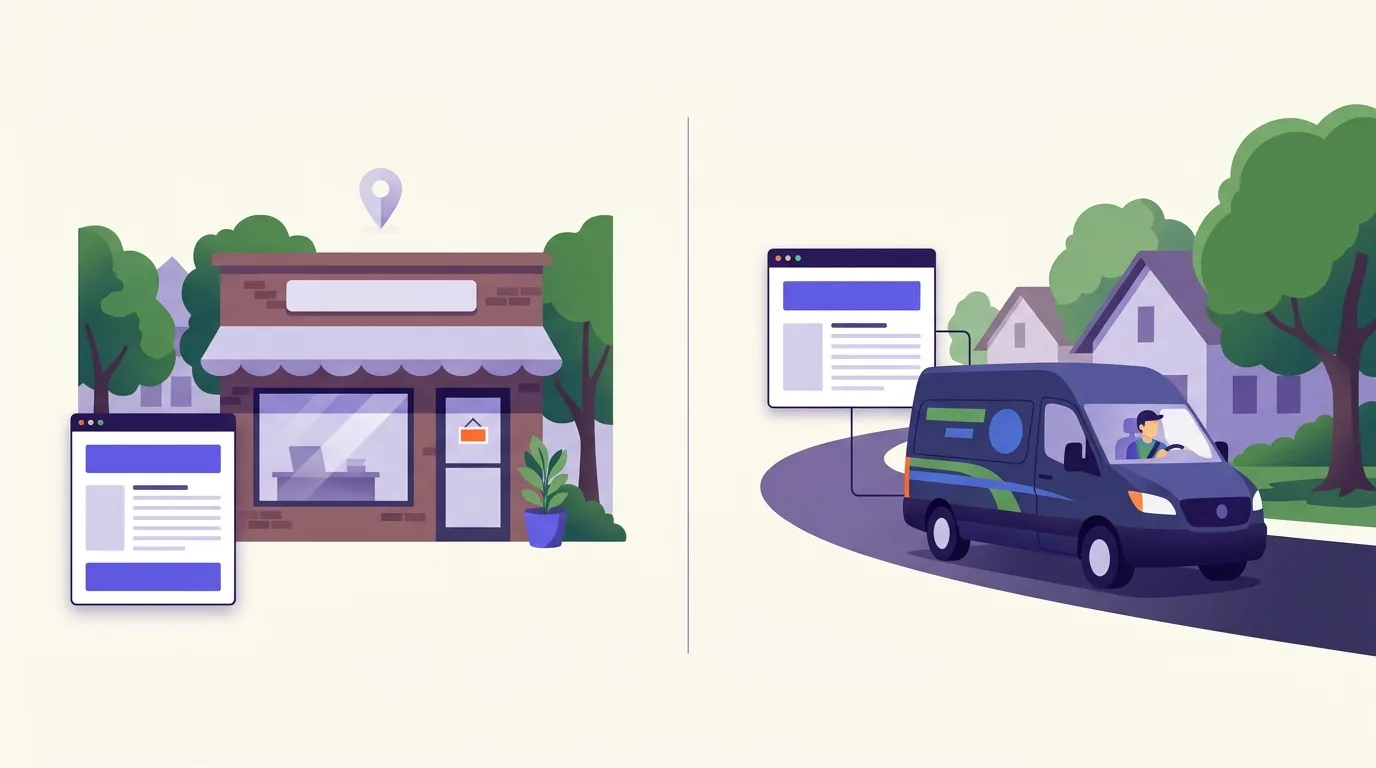
Physical-location pages and service-area pages
A physical-location page describes real premises. A service-area page describes work you offer in an area. It shouldn’t imply that you have an office there.
Say you run a plumbing business that serves Miami but has no office customers can visit there. Your Miami page should explain where you work and how to book. Don’t present it as a branch. Schema.org defines LocalBusiness as a physical business or branch, not a service area (Schema.org).
For planning pages across several locations, see Multi-Location SEO. If you’re not yet sure which service or place to target, start with Search Intent.
Why does a useful local page matter?
Customers need to know whether you can help them at their address. A useful local page answers that question, then makes the next step clear. Search visibility matters, but visitors also need enough detail to decide whether to call or book.
Check whether your page answers these questions:
- Availability: Can you provide the service I need, and when?
- Coverage: Do you serve my address or neighborhood?
- Visiting arrangements: Do you come to me, or can I visit you?
- Relevant work: Can I see real examples of work like mine?
- Next step: How do I book or ask for a quote?
Local organic search refers to website results. The Google Local Pack is a separate business listing feature; page changes alone don’t decide whether you appear there or where you rank on the map.
For profile management and Local Pack work, see Google Business Profile. Use Local Keywords to research and choose search terms.
Align the title, main heading, and description with the location
Name the service and place in words your customers use. Each element has a different job, so you don’t need to repeat the same line everywhere.
Write a title that names the page
Your title tag should describe this page, not just the business as a whole. For a Miami plumbing service-area page, you could make this change:
Before: Home | Plumbing Services
After: Plumbing Services in Miami | [Business Name]
Use that wording only if the business serves Miami. Keep the title distinct from your other pages. Google recommends concise, descriptive titles but sets no fixed character limit. It may truncate the title link for display, usually to fit the device width (Google Search Central).
Make the main heading clear
The main heading should confirm that visitors have reached the right page. Plumbing services in Miami is a plain option for the same example. You don’t need to add every nearby area or repeat the business name if it’s already clear on the page.
Use the description to explain the offer
Write a short summary that gives someone a reason to visit the page. Include a useful detail about coverage or booking, rather than a string of search terms.
Illustrative meta description: Plumbing services in Miami from [Business Name]. Check service coverage and contact the team to ask about booking.
Make sure the page delivers those details. Google sets no fixed character limit for meta descriptions and may truncate snippets for display. It may use your description when it describes the page better than the on-page text, but it can choose other text instead (Google Search Central).
Build the page around facts customers need locally
Start with what a customer needs to know before contacting you. Check each claim with the business, especially service limits and booking terms.
- Service and place: State what you do and where you work, using the page-type distinction above.
- Available services: Name the work customers can book. Include exclusions that could affect their choice.
- Actual coverage: Name areas you really serve. Explain how customers can check an address near the edge of your coverage.
- Evidence: Show real completed work or photos of your team. Use testimonials with permission.
- Business details: For a branch, give its real address and opening hours. Explain any rules for visits. For a service area, give contact and booking details.
- Next step: Put a clear contact or booking option near the service details.
Illustrative page copy, to adapt only after checking the details: “Our plumbers visit homes in [verified Miami neighborhoods] by appointment. Call with your address to check coverage before booking.”
Don’t publish the placeholders or assume those arrangements apply to your business. A useful local detail might be an access rule for apartment buildings, but include it only if it affects how you deliver the service.
For keeping business details aligned across sites, see NAP consistency. Use local content for broader content planning and local reviews and reputation for review collection and management.
Connect the page to relevant services and navigation
Choose a route to the page that makes sense to a customer. A location hub can work for a business with several branches. A relevant service page may be a better route for a business that travels to customers.
- Make the page easy to reach. Link from a relevant hub or service page. Keep useful homepage links to key locations, but don’t force every location onto the homepage. Keep breadcrumbs that reflect the site’s structure.
- Use clear link text. “Miami plumbing services” tells visitors what to expect. Don’t force the same keyword-heavy wording into every link.
- Offer useful next steps. Link to more service detail or a booking page. Avoid sitewide blocks of city links.
- Check how links work. Google generally needs an HTML a element with an href attribute to crawl a link reliably. Don’t rely only on scripted clicks (Google Search Central).
For site structure and link-text advice, see Internal Linking.
Test contact actions on a phone. Use Mobile-First Indexing and Mobile Optimization to check mobile layout and ease of use.
Use real business photos. Follow Image Optimization to improve image loading and write useful alt text. Image metadata isn’t a substitute for local facts people can read on the page.
Which business details belong in local structured data?
Use the physical-business distinction described above.
Google asks you to define each physical location with the most specific LocalBusiness subtype that fits, such as Restaurant. Its LocalBusiness rich-result requirements include a name and physical address (Google Search Central).
Business field checklist
Schema.org supplies the terms; Google sets the rules for its search features. Check these fields against the page:
- name and address: The real business name and physical address, required for Google’s LocalBusiness rich-result eligibility.
- telephone: The right contact number.
- openingHoursSpecification: Current opening hours.
- url: The page for that specific location.
Google recommends the telephone, hours and location URL fields where they apply (Google Search Central). Never invent an address or publish a private one just to meet a rich-result rule.
Validation and review limits
Markup must match content that’s visible, relevant and up to date. Passing a test doesn’t ensure a rich result will appear (Google Search Central).
Reviews about your business on your own site aren’t eligible for Google’s review stars through LocalBusiness or Organization markup. That includes reviews shown in a third-party widget (Google Search Central).
Use the Rich Results Test to check supported Google features. The Schema Markup Validator checks the schema vocabulary. See Structured Data for help adding the markup.
Avoid doorway pages, location stuffing, and invented signals
Give each page a useful purpose
Don’t create a page for every city by default. Google lists pages that target cities or regions and funnel visitors to another page as an example of doorway abuse (Google Search Central).
A service-area page should answer a local customer’s questions, not just swap the city name in a shared block of text. Shared layouts and repeated business facts don’t alone establish abuse. Judge what the page does for the visitor, rather than aiming for a set percentage of unique text.
See spam-policy interpretation and duplicate-content handling for related guidance.
Use truthful information, not shortcuts
- Don’t use fake addresses or claim offices that don’t exist.
- Avoid blocks of city names and unnatural phrase repetition. Google identifies both as forms of keyword stuffing (Google Search Central).
- Don’t force “near me” into your copy. See Mobile and ‘Near Me’ Local Search for guidance on proximity and mobile search.
- Don’t treat image GPS metadata as an established ranking tactic.
Follow the markup and review limits in the structured-data section above.
How do you check whether the page is working?
Start by checking whether people can use the page. Then review its search data and the inquiries it brings in. Track changes for this page, not just the whole site, and allow for shifts in seasonal demand when you compare periods.
Test the page on a phone
Open the published page and use its contact options. Submit a test form and check that telephone links work. If you offer online booking, complete a test of that path too. Check the markup with the tools named above.
Review search visibility
Inspect the URL in Google Search Console. Filter the performance report to this page, then review impressions and clicks. Check which queries bring people to the page and whether they fit the service you offer.
Check customer actions
Use Google Analytics 4 to review organic landing-page visits and tracked inquiry actions. Check event setup before relying on the data.
A click on a telephone link isn’t a completed call or a qualified lead. Compare tracked actions with real inquiries where you can. Don’t judge the page by bounce rate alone; results depend on the site and demand, with no fixed timeline for improvement.
Use Local SEO Reporting for broader reporting, including geographic rank tracking and Local Pack comparisons.
Page-level publishing checklist
- Service and coverage claims are accurate.
- The title and main heading describe the same offer.
- Local evidence is genuine and useful.
- Contact actions work.
- Incoming links meet the crawlable-link guidance above.
- Markup follows the visible-content rules above.
Frequently asked questions
Can a single-location business use its homepage as its local landing page?
Yes, if the homepage clearly serves that location. State what you offer and where customers can find you. Make contact details easy to spot, and give opening hours if people can visit. You don’t need a separate page that repeats the homepage.
Does embedding a Google Map improve a local page’s rankings?
Treat a map as a tool for visitors, not a ranking tactic. Add one if it helps people find your premises. Keep the address and arrival details in readable text so visitors don’t have to rely on the map.
How long should a local landing page be?
Long enough to answer the customer’s main questions. Explain your service and coverage, then give the details needed to book or visit. Don’t add text just to hit a word count.
Do I need an SEO plugin to optimize a local page?
No. You can use your website’s built-in controls or edit the page directly. A plugin can make titles and other settings easier to manage, but it won’t check whether your local claims are true. Review the published page yourself.
Sources
- LocalBusiness – Schema.org Type
- Influencing Title Links in Google Search
- How to Write Meta Descriptions
- Link Best Practices for Google
- Local Business (LocalBusiness) Structured Data
- General Structured Data Guidelines
- Review Snippet (Review, AggregateRating) Structured Data
- Spam Policies for Google Web Search
- Spam Policies for Google Web Search