
Quick answer: Local citations are online mentions of a local business’s identifying details, typically its name, address, and phone number, on directories, maps, and other websites. They can exist without a backlink. Useful citation work means securing relevant listings, correcting inaccurate records, and maintaining information customers and search platforms can use.
Key facts
- Google draws business information from public web content, third-party data, owner and user contributions, and its own interactions. Understand how Google sources & uses info in Business Profiles & local search results
- Google primarily bases local rankings on relevance, distance, and prominence—not a published citation-count target. Tips to improve your local ranking on Google
- Google identifies low-quality directory links as a form of link spam. Spam policies for Google web search
TL;DR: Build and maintain accurate listings on relevant, reputable platforms rather than buying bulk directory submissions.
- Local citation
- An online reference to a local business’s identifying information, with or without a website link.
- Structured citation
- A business listing that presents identifying details in dedicated fields on a directory, map, or listing platform.
- Unstructured citation
- A reference to a business and its identifying details within editorial or community content rather than a dedicated listing.
- Citation audit
- An inventory and review of existing business mentions and listings to identify useful coverage, errors, and duplicates.
What are local citations?
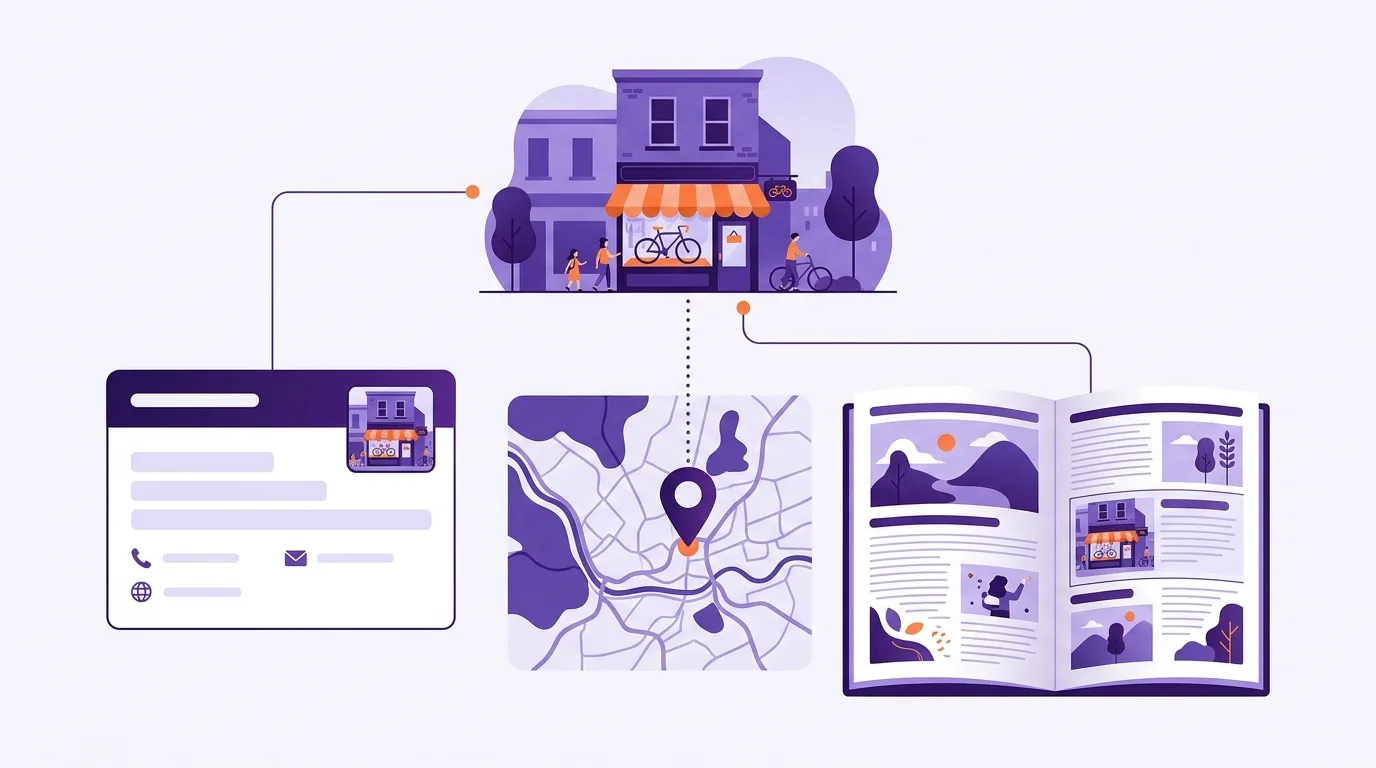
Local citations are mentions of a local business on other websites. They often show its name and contact details. You may see these called NAP: name, address, and phone number. A citation doesn’t need a link to your website.
Structured and unstructured citations
A structured citation puts business details in set fields, as a directory listing does. An unstructured citation puts them in text, such as a news story. Say you run a bakery:
| Type | Example |
|---|---|
| Structured citation | Your Yelp listing has fields for your business name and contact details. It may also show your website and opening hours. |
| Unstructured citation | A local newspaper names your bakery and gives its street address in a story about a neighborhood event. |
Even partial details can identify your business. A bare brand mention, though, may not set it apart from a nearby business with a similar name.
A link is optional in either format; for ways to earn backlinks, see local link building.
Why do local citations matter?
Local citations give customers more places to find and contact your business. They may also help search engines check business details against other sources. Aim for useful, accurate listings, not a high count or an assumed ranking boost.
Customer discovery and usable details
A useful listing reaches people who might need your services. In local SEO, start with sites your customers use. Wrong contact details on those sites can send people to the wrong place or leave calls unanswered.
Possible search-system benefits
Google gets business details from several sources. These include public websites and licensed data, as well as updates from owners and users. Google uses its own contact with businesses too, according to Google Business Profile Help.
Google says local rankings mainly depend on relevance, distance, and prominence. Prominence includes factors such as links and customer reviews, according to its local ranking guidance. More directory listings won’t move your business closer to a searcher.
Keep your details accurate when optimizing your Google Business Profile. Google says businesses with complete and accurate profiles are more likely to appear in local results (Google Business Profile Help). That statement concerns Business Profile completeness. It does not show a ranking benefit from adding directory listings or set a target citation count.
Treat citations as supporting records, not proof that your business has gained authority.
Choose citation sources customers actually use
Start with places where your customers look for businesses like yours. A directory is worth closer review if it serves your market and lets you keep your details up to date.
Group sources by customer use
The right mix depends on your country and industry.
- Map platforms: Check Apple Maps and Bing Places.
- General directories: Consider Yelp where it serves your market.
- Industry directories: Look at Tripadvisor for travel businesses or Healthgrades for eligible healthcare providers.
- Local websites: Check your chamber of commerce and trusted community directories.
Qualify each candidate
Before you spend time on a listing, check the site itself.
- Audience: Do people use it to find your services?
- Location: Does it cover your area?
- Activity: Are its listings up to date?
- Trust: Does it list real businesses without obvious spam?
- Access: Can you claim and update your record?
Competitor analysis can help you find sites to check. Search for nearby competitors and look at where they’re listed. Review each source rather than copying every listing they have.
A high domain authority score alone isn’t a reason to join a directory. Customer use and the quality of its listings matter more to this decision.
Build and claim listings without creating duplicates
Look for an existing listing before you create one. An old record may still be live even if you never set it up.
- Create a simple inventory. Keep a log with a row for each listing. Save its URL and the business location it covers. Track who has access, what needs fixing, and when you last checked it.
- Search before submitting. Look for old business names or addresses on each priority platform. Claim the correct record where you can. If you find duplicates, flag them for review rather than adding another listing.
- Prepare approved details. Fill in useful fields such as your website and opening hours. Follow name, address, and phone number (NAP) consistency rules. Harmless abbreviations aren’t the same as a wrong address or phone number. There’s an important address exception: if you travel to customers rather than receive them at a storefront, hide your address on Google Business Profile, as Google’s address policy requires. Don’t publish a private address just to make listings match. See the Google Business Profile entry for setup details.
- Understand what verification does. It lets you manage a listing, but it doesn’t give you sole control over all future changes. Google draws on other sources too, as described above.
- Check the live listing. A submitted or verified record isn’t the same as a published one. Once it’s live, check the public details and test its website link. Log any fixes still needed.
Decide between manual work and citation services
If you have a small set of listings and time to check them, managing them yourself may be enough. A service may be worth the cost when you have many locations or a backlog of errors. First, check whether it covers the sites that matter to your customers.
| Approach | What it does | Main trade-off |
|---|---|---|
| Manage listings yourself | You edit each listing on its platform. | You keep direct control, but the work takes staff time. |
| Hire a submission service | A provider submits or corrects agreed listings. | You need a clear scope and handover terms. |
| Use a listing-distribution tool | A tool sends your business data to supported partners. | Coverage and update speed vary. Some errors may still need direct follow-up. |
Evaluate services against your needs
Providers such as BrightLocal or Whitespark are worth comparing with tools such as Moz Local or Yext. Don’t assume their services work the same way. Check current features and country coverage before you choose a plan.
- Check coverage: Does the service support the platforms your customers use?
- Check corrections: How does it handle duplicates or rejected edits? Ask what happens when a platform won’t publish a change.
- Check ownership: Who controls the accounts, and what access do you keep after cancellation?
- Check proof: Ask for live listing URLs so you can check the work yourself.
If several locations share staff or accounts, use a multi-location SEO process to set access and approval rules.
Common citation mistakes to avoid
More listings aren’t always useful. Poor sources can waste your time, while old records can keep sending customers to the wrong place.
- Avoid bulk submissions with little customer value. Skip spammy directories and packages sold mainly to boost rankings through links. Google lists low-quality directory links as link spam in its spam policies. An irrelevant listing alone isn’t the same as a link scheme and doesn’t automatically mean a penalty; see link spam and penalties.
- Check duplicates before asking for removal. Make sure both records refer to the same business at the same location. Then use the platform’s process to request a merge or removal. Contact support if you can’t resolve it through your account.
- Don’t rely on a report alone. A tool score or submission total doesn’t prove that a useful listing is live. Open the page and check what customers can see.
Local reviews record customer feedback. They’re a separate part of your reputation, not another form of citation.
How can you audit and measure citation work?
Start by searching for your business name and contact details. Use a citation tool to find more records, then check the live pages. Track what needs fixing as part of your local SEO audit.
Check live records and track outcomes
Keep the listing URL and repair status in your log. Tools such as BrightLocal can help you find records, but no tool will necessarily find them all. Check priority platforms yourself if they don’t appear in the report.
On each live page, check that the business details are correct and the website link works. Confirm that you can access the account, and flag any duplicates you can’t resolve.
Fix wrong contact details on sites customers use first. Next, deal with duplicates that could confuse them or access problems that block edits. Add missing listings on useful sites after that, before spending time on less relevant directories.
- Priority-site coverage: Which chosen sites have a listing?
- Checked live listings: Which records have you confirmed are accurate?
- Open issues: Which errors or access problems still need work?
- Completed fixes: Which changes can you see on the live pages?
Track referral visits or inquiries you can trace to a listing. Some customer journeys won’t be visible, so these figures won’t capture every visit or lead.
Don’t credit citation work alone for ranking changes; see the ranking factors discussed above.
Use local SEO reporting to assess wider changes in rankings and conversions.
Check listings after a move or other business change. Between changes, set your check schedule based on how much each platform matters to your customers.
Frequently asked questions
How many local citations does a business need?
There’s no universal target count. Focus on useful sites where customers might look for your business. For the distinction between Google’s profile-completeness guidance and citation ranking claims, see “Why do local citations matter?” above.
Are paid directory listings worth the cost?
A paid listing buys space or features in a directory, not a search position. Check whether its audience fits your business and whether it sends useful visits or inquiries. Read the renewal terms before you pay. For the risks of buying low-quality directory links, see “Common citation mistakes to avoid” above.
What happens to business listings when you cancel a citation service?
It depends on the provider’s terms and each directory’s rules. Ask before you sign up:
- Which listings will stay live?
- Will updates stop?
- Could old data return?
- Who will keep account access?
Keep your own listing log and business-controlled logins so you can handle later corrections.
Can a business build local citations without a website?
Yes, where the directory allows it. Check its entry rules and required fields. Keep your business details accurate and retain access to the account. If the website field is optional, leave it blank rather than link to an unrelated page.