
Quick answer: A robots.txt file is a public text file at a website’s root that tells compliant crawlers which URLs they may crawl. It controls crawling, not access permissions or guaranteed exclusion from search results. Use it for deliberate crawl restrictions, while keeping important pages and resources accessible, and test changes before publishing.
Key facts
- robots.txt implements the Robots Exclusion Protocol, standardized in September 2022. RFC 9309: Robots Exclusion Protocol
- A blocked page can still appear in Google Search if its URL is discovered through links. Introduction to robots.txt
- Rules apply only to the protocol, host and port serving the root-level file. Create and submit a robots.txt file
- Google uses the most specific matching path rule; Allow wins an equally specific conflict. How Google interprets the robots.txt specification
- Google processes only the first 500 KiB of a robots.txt file. How Google interprets the robots.txt specification
TL;DR: Publish the smallest robots.txt ruleset that meets a deliberate crawl-control need, then test that important URLs and rendering resources remain accessible.
- Robots Exclusion Protocol
- The standard through which websites communicate crawl restrictions to cooperating crawlers.
- User-agent group
- A set of robots.txt rules addressed to one or more named crawlers or to the wildcard user-agent.
- Disallow
- A rule requesting that a matching crawler not fetch URLs matching the specified path pattern.
- Allow
- A rule permitting matching URLs, commonly used to make an exception within a disallowed path.
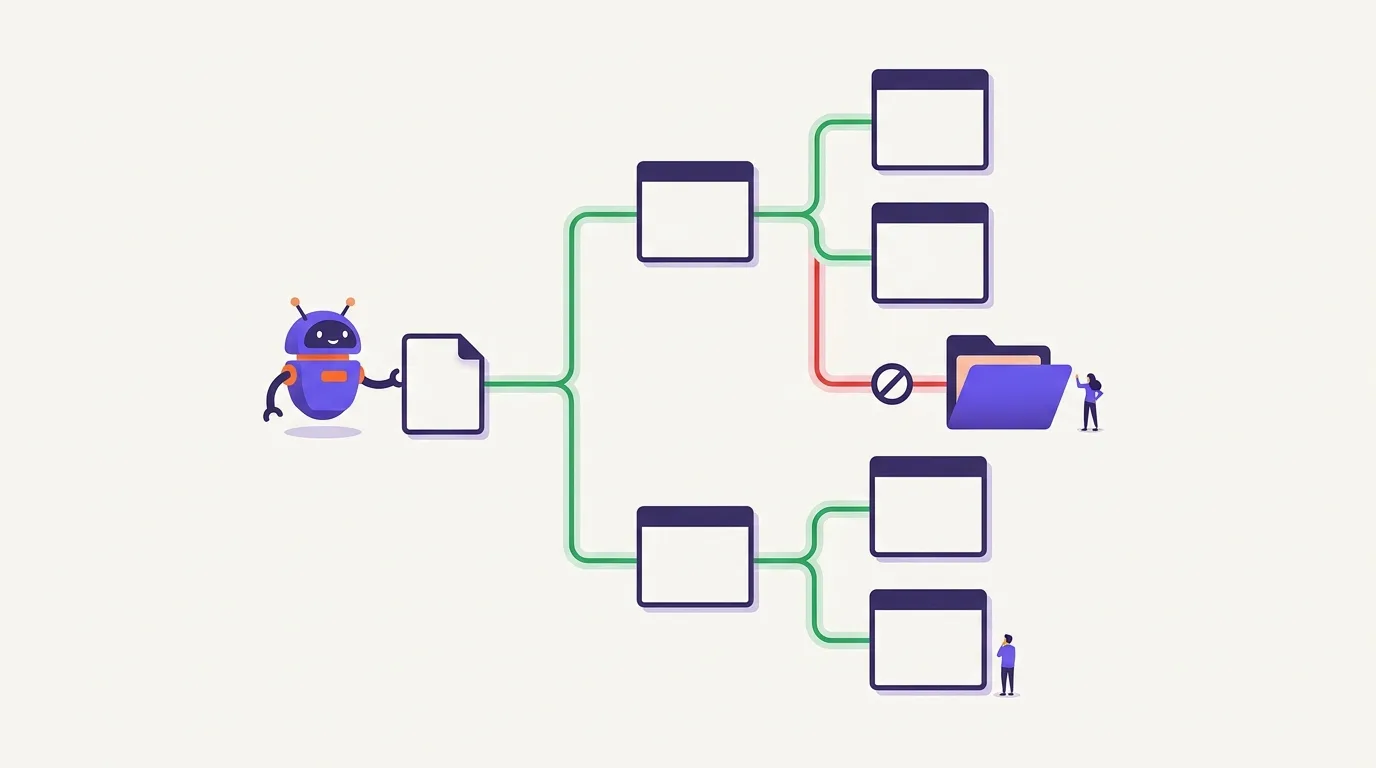
What is robots.txt, and what does it control?
robots.txt is a public text file at a website’s root that tells compliant crawlers which URLs they may fetch. It implements the Robots Exclusion Protocol, standardized in RFC 9309, but acts as a crawl instruction file, not a mandatory access barrier (RFC Editor).
Crawlers such as Googlebot and Bingbot fetch this file to find the restrictions that apply to them. A typical location is https://example.com/robots.txt. The file must use UTF-8 text, and its rules apply only to the protocol, host and port where it is served (Google Search Central).
Crawl restrictions are not indexing instructions. Google may still discover a blocked URL through links and include it in search results without crawling its content (Google Search Central). Allowing a URL to be crawled does not ensure indexing or ranking: crawling, indexing and ranking are separate parts of how search engines work.
Use robots.txt to express deliberate limits on fetching URLs, not to decide who can access private content. Compliant crawlers follow these instructions; other bots may ignore them.
AI-specific crawler identities, training controls and llms.txt fall within the separate guide to AI crawlers and crawl controls.
When is a crawl restriction useful?
A crawl restriction is useful when you have a clear reason to stop a cooperating crawler from fetching a URL. Treat it as a fetch decision, not a judgment about ranking value. Review what the route does, who needs it, and whether search engines should access its content before blocking it.
Reducing unwanted crawling can help crawl management, but it does not mean crawlers will redirect that activity to other pages.
- Review candidate routes. Internal search endpoints or non-public-facing utility routes may warrant restrictions if fetching them serves no intended search purpose. Treat these as candidates for review, not a universal blocklist.
- Check the function. Do not block admin, cart, checkout or filtered URLs as a group without checking what they serve and their intended search visibility. Similar route names can serve different purposes across sites.
- Confirm the desired outcome. Decide whether you want to prevent fetching or keep content out of search. A robots.txt block can stop Google crawling a page while its URL still appears in results after discovery through links, as Google Search Central explains.
Duplicate-URL decisions require a separate content and consolidation assessment; use the duplicate content guidance before choosing a crawl restriction.
Read the syntax and select the applicable rules
Robots.txt syntax defines crawler groups, crawl restrictions, exceptions and sitemap locations; group selection determines which rules apply.
Read the fields
- User-agent: identifies a crawler token, such as Googlebot or Bingbot, not a complete browser user-agent string.
- Disallow: names a path prefix where crawling is disallowed.
- Allow: creates an exception to a matching restriction.
- #: starts a comment; the rest of that line is ignored.
Select the group, then match the path
A group starts with User-agent fields followed by rules. User-agent: * addresses crawlers without a more specific applicable group. It does not force bots to comply.
- Google selects the most specific matching user-agent group.
- It combines groups for that same matching user-agent, without inheriting rules from the wildcard group.
- Paths are case-sensitive and match prefixes: /Private/ differs from /private/.
- Google uses the longest matching path; Allow wins conflicts of equal specificity, as described in Google’s robots.txt specification.
For example, Disallow: /private/ with Allow: /private/help/ permits crawling that subdirectory. An empty Disallow value imposes no restriction; Disallow: / disallows crawling throughout the site. Unblocked paths normally need no explicit Allow.
Recognize sitemap discovery
Sitemap: https://example.com/sitemap.xml supplies an absolute discovery URL, which may use a different host; it does not override restrictions, as described in Google’s robots.txt specification.
For file creation and management, see XML Sitemaps.
Build a minimal ruleset with tested examples
This section covers a minimal robots.txt ruleset and URL samples for checking its expected behavior.
Start with a folder and an exception
These rules use illustrative paths, not production recommendations; test them against your own URL samples before use.
User-agent: *
Disallow: /crawl-demo/
Allow: /crawl-demo/public/
User-agent: * addresses crawlers without a more specific group. Disallow restricts the folder; Allow opens its public subfolder. Google uses the longest matching path, with Allow winning equal-length conflicts, according to Google’s robots.txt specification.
| Sample path | Expected crawl result |
|---|---|
| /crawl-demo/draft/ | Blocked descendant |
| /crawl-demo/public/guide/ | Allowed exception |
| /contact/ | Unaffected; allowed |
Check pattern boundaries
In path patterns, * is a wildcard matching any sequence of characters; $ anchors the match to the URL’s end.
Disallow: /*.pdf$
This demonstrates matching, not a recommendation to block PDFs: /guide.pdf matches and is blocked; /guide.pdf?download=yes does not match and remains allowed by this rule.
Session-parameter patterns also need URL samples, not universal claims:
- /*?sessionid= matches /shop?sessionid=abc: the first query position.
- /*&sessionid= matches /shop?sort=price&sessionid=abc: a later query position.
With Disallow, each matching sample is blocked; test both positions against your actual URLs.
URL naming and parameter architecture belong in URL Structure.
Publish the file at the correct origin
This section covers where to publish robots.txt and how to check that crawlers receive the intended file.
Check the origin and file format
The origin is the protocol, host and port that define the file’s scope. Publish a UTF-8 plain-text file named robots.txt at the origin root, not an HTML page or a file inside a content directory, as specified by Google’s file guidance.
HTTP and HTTPS have separate scopes, as do different subdomains and ports. A file on the main hostname does not govern every subdomain.
Deploy and verify
The publicly served response is what crawlers receive. CMS-generated and server-served files can both work; do not assume a local file is authoritative.
- Retain the previous version so you can restore it.
- Preview the change. Check its scope and intended URL restrictions before publishing.
- Verify the live response. Fetch the root robots.txt URL and inspect its contents.
- Check delivery differences. Look for stale CDN output or application-generated content that differs from your preview.
A small ruleset is easier to maintain. Remove unnecessary directives: Google processes only the first 500 KiB, per Google’s specification.
Crawler caching can delay adoption of edits. Include live-response checks in your technical SEO audit; publication alone does not mean crawl behavior has changed.
Avoid indexing, security and rendering mistakes
This section covers robots.txt mistakes that can block crawling without controlling indexing, protecting content or preserving page understanding.
Avoid accidental whole-site blocks
User-agent: * paired with Disallow: / can restrict crawling across the site for compliant crawlers whose applicable rules come from that group. Treat it as a potentially sitewide crawl block, not a way to lock down a site. Check for this combination before publishing.
Separate crawling, indexing and security
A disallowed page can remain indexed because Google may discover its URL through links, as Google Search Central explains.
Google does not support noindex in robots.txt; leave crawl access available so Googlebot can read a page-level noindex instruction, per Google Search Central.
For implementation, see Indexability, Noindex and Index Coverage.
Sensitive or staging content needs real access controls because robots.txt is public, not security (Robots Exclusion Protocol); see HTTPS and Site Security.
Keep essential resources accessible
Do not block CSS, JavaScript or other resources needed to understand a page, as Google Search Central advises.
For how scripts affect page processing, see JavaScript SEO and Rendering.
Unsupported directives can be ignored: Google supports Allow and Disallow, but not Crawl-delay. Do not assume every crawler supports the same fields.
How do you test changes and investigate a blocked URL?
Test robots.txt changes against a regression set of URLs and the intended crawler identity before publishing. For unexpected blocks, check the origin, crawler group and winning rule. Retest the live file, then compare server logs and Search Console observations with expected crawl outcomes, allowing for caching.
Build a repeatable test set
A regression set records URLs and their expected crawl permissions.
- Include important pages, deliberate blocks, allowed exceptions and query-string edge cases.
- Include essential rendering resources; Google advises keeping resources accessible when blocking them would hinder understanding, per Google Search Central.
- Use a robots-aware tool such as Screaming Frog SEO Spider. Test the intended crawler identity and verify parser behavior; do not assume identical support across bots.
Investigate unexpected blocks
An intentional block is not automatically an error; compare it with the expected outcome.
- Confirm the URL’s origin and applicable User-agent group.
- Find the winning path rule: Google uses the most specific match, with Allow winning equal-specificity conflicts, per Google’s specification.
- Revise only what is necessary, then retest the live file.
Verify live outcomes
Live monitoring checks actual fetch behavior. Combine subsequent server logs with the current robots.txt report for fetch information and errors, plus URL Inspection for individual checks.
Broader workflows belong in Google Search Console; crawl-budget measurement belongs in crawlability and crawl budget.
Check that important URLs remain accessible and intended restrictions take effect. Crawl access differs from indexing: blocked URLs can still appear in search, per Google Search Central.
Frequently asked questions
Does robots.txt actually work against scrapers that ignore its rules?
Robots.txt is a set of requests for crawlers, not an access-control mechanism. It cannot stop scrapers that ignore those requests. Listing sensitive paths can also reveal them publicly rather than protect them, as the Robots Exclusion Protocol security guidance explains. Use authentication and server-side access controls to protect private content.
Does every website need a robots.txt file if nothing should be blocked?
Robots.txt is an optional file for communicating crawl rules. No, a website does not need one if it has no crawling restrictions to declare. You can still use it to point crawlers to a sitemap; that entry must use a fully qualified URL, as explained in Google’s robots.txt documentation.
Why can I see a WordPress robots.txt URL when no physical file exists?
A WordPress robots.txt URL can be a virtual response generated by WordPress rather than a physical file stored on your server. That is why the URL can load even when your file manager shows nothing. Plugins or custom code can change this response, so check what the live URL returns before deciding whether anything needs editing.