
Quick answer: Indexability is a page’s eligibility to be included in a search engine’s index; eligibility does not guarantee inclusion. Noindex is a directive that prevents indexing once the search engine crawls and processes it. Index coverage describes which URLs are indexed or not indexed, helping distinguish intentional exclusions from problems.
Key facts
- Google’s minimum indexing requirements include accessible crawling, an HTTP 200 response, and indexable content; inclusion is not guaranteed. Google Search technical requirements
- An explicit index, follow robots tag is unnecessary because these permissions are the default. Robots meta tag, data-nosnippet, and X-Robots-Tag specifications
- Google supports noindex in robots meta tags and X-Robots-Tag response headers, not in robots.txt. Block Search indexing with noindex
- Google must crawl a URL to discover its noindex directive. Block Search indexing with noindex
- Canonicalization, rather than noindex, is the recommended approach for consolidating duplicate pages. How to specify a canonical URL with rel="canonical" and other methods
TL;DR: Decide which URLs should appear in search, apply noindex only to deliberate exclusions, and use Search Console to diagnose and verify unintended indexing gaps.
- Indexability
- A page’s technical eligibility for inclusion in a search engine’s index, distinct from whether it is actually indexed.
- Noindex
- A directive in a robots meta tag or HTTP response header instructing a supporting search engine not to index the resource.
- Index coverage
- The indexed and not-indexed status of a set of URLs, including reasons for exclusion.
- Page indexing report
- The Google Search Console report showing indexing totals and reasons known URLs are not indexed.
What is indexability, and how does it differ from indexing?
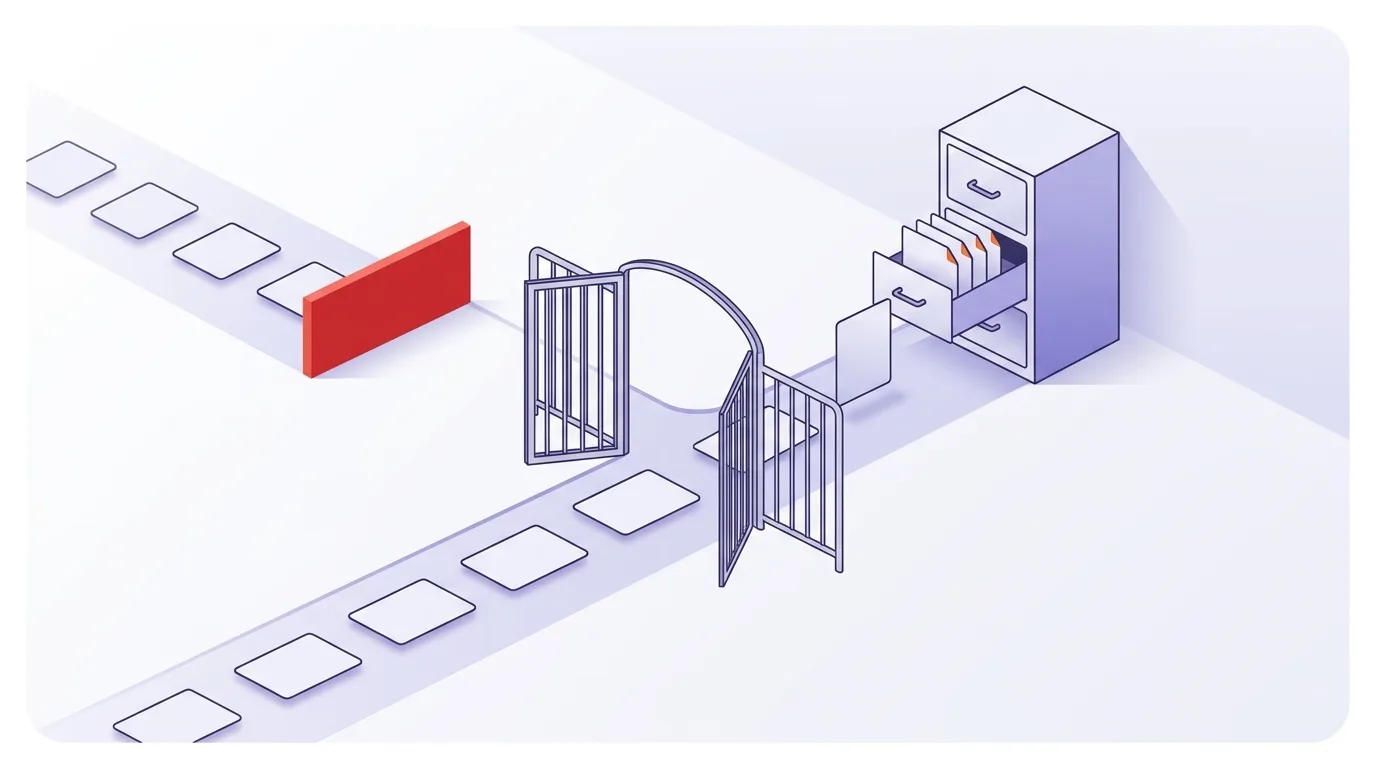
Indexability means a page is eligible for inclusion in a search engine’s index; indexing means it has been added. Noindex is a rule used to exclude a page. Together, indexability, noindex and index coverage help you distinguish technical eligibility, deliberate exclusions, and which pages are actually reported as indexed.
Eligibility does not ensure inclusion: Google’s technical requirements explicitly distinguish meeting the requirements from being indexed.
Crawlability is about whether a crawler can access a URL. Indexability is about whether that URL can be included in the index.
Minimum technical requirements
Google’s minimum technical requirements are Googlebot access, an HTTP 200 response, and indexable content. Meeting these requirements does not ensure inclusion, according to Google Search Central.
- Googlebot access: The page must not block Googlebot.
- A successful response: The URL must return the required HTTP response status.
- Indexable content: The page must contain content Google can index.
What an “indexable” label tells you
Treat a crawler’s “indexable” label as the outcome of that tool’s checks, not as confirmation that Google has indexed the URL. Keep technical checks separate from evidence of actual indexing.
Use these checks to find technical barriers, not to predict rankings. The broader crawl–index–rank process explains how finding a page, indexing it, and choosing it for search results differ.
Which pages should be indexed—and why does the choice matter?
Pages that help people find a useful answer, product, or service through search should usually remain eligible for indexing. Other public pages may need to stay accessible without appearing in search. Start with each page’s purpose. Healthy coverage does not mean that every known URL is indexed.
Set an intended indexing status
Decide whether each page belongs in search results. Use that decision as the starting point for coverage reviews.
| Page purpose | Likely choice |
|---|---|
| Useful service, product, or editorial page | Keep eligible for indexing when it serves a search need. |
| Public confirmation or thank-you page | Consider noindex if it only confirms an action and has no standalone search value. |
Do not apply blanket noindex rules based on low traffic, short copy, or page type alone. Review the page’s usefulness and purpose rather than treating low traffic as proof of low quality.
Weak but useful pages may deserve improvement through content optimization rather than exclusion.
For supported noindex methods, see the implementation section below.
Protect private admin or staging content with access controls rather than relying on a search-indexing rule.
Record the intended status and reason for each page group. Then focus reviews on missing search landing pages, while treating deliberate exclusions as expected.
How do you implement or remove noindex?
Implement noindex with an HTML robots meta tag or an X-Robots-Tag HTTP response header, and allow Google to crawl the URL so it can discover the rule. To restore eligibility, remove applicable noindex rules from both locations. Removing the restriction does not ensure that Google will index the page.
Add noindex where the resource is controlled
Both methods are supported in Google’s noindex guidance.
For HTML, place this tag inside the document head:
<meta name=”robots” content=”noindex”>
For an HTTP response header, use:
X-Robots-Tag: noindex
Look for the relevant controls in your CMS settings, SEO plugins, application code, or server settings.
Allow Google to crawl the URL. Google must fetch the page to read its noindex rule. Blocking it in robots.txt can stop that process and leave the URL eligible to appear in search without its content. Google does not support noindex in robots.txt. See Google’s guidance and the guide to robots.txt controls.
Remove noindex and check the live response
Removing noindex clears a restriction; it does not force indexing. Google’s minimum technical requirements remain the baseline for eligibility.
- Remove all applicable noindex rules from the HTML and response headers.
- Check the live production HTML and headers on important pages. Do not trust the CMS setting alone.
You do not need to add an explicit index, follow tag: Google permits indexing and may follow links by default unless restrictive rules apply. See Google’s robots meta tag documentation.
If scripts change robots rules, include the rendered output in your checks. Follow the JavaScript SEO guidance.
Read index coverage as a diagnosis, not an error count
Use your indexing review to compare observed status with intended status, rather than treating every exclusion as an error. Start with important URLs that you want in search. See the Google Search Console guide for setup and navigation.
The checklist below suggests technical checks; it does not define Search Console report labels or establish why Google has not indexed a particular URL.
| Review question | What to inspect | How to assess it |
|---|---|---|
| Should this page be eligible for search? | The recorded purpose and intended status. | Prioritize unintended exclusions rather than deliberate ones. |
| Is an unwanted noindex rule present? | The HTML robots meta tag and X-Robots-Tag response header. | Remove applicable noindex rules if the page should remain eligible. |
| Can Googlebot access the page? | Crawl restrictions affecting the URL. | Compare access with Google’s minimum technical requirements. |
| Does the page meet the response and content requirements? | The HTTP response and content available on the page. | Investigate technical barriers before assuming a content problem. |
| Is this a duplicate of another page? | The duplicate pages and your preferred URL. | Review canonicalization rather than using noindex to consolidate duplicates. |
These checks draw on Google’s technical requirements and supported noindex methods. Passing the checks establishes neither inclusion nor a specific explanation for non-indexing.
For duplicate pages within your site, use canonical tags rather than noindex to influence canonical selection. Noindex excludes a page from Search instead of consolidating it with a preferred URL. See Google’s canonical guidance.
For response-code corrections or redirect repairs, follow the redirects and broken links guidance.
Common mistakes that create unintended exclusions
Check for broad rules that affect important pages. Also avoid treating every coverage gap as an error.
Accidental rules can exclude important pages
- Staging rules carried into production. Check whether launch settings left a site-wide noindex rule active.
- Template-level rules. Inspect shared templates when product, service, or article pages show similar exclusions.
- Conflicting plugin settings. Compare global and page-level controls, then inspect the actual output.
- Headers missed by HTML-only checks. Check the X-Robots-Tag response header as well as the robots meta tag.
For the robots.txt and noindex interaction, see the implementation section above.
Exclusion is not consolidation or a diagnosis
For the distinction between noindex and canonical tags, see the coverage section above.
Record inclusion in an XML sitemap separately from reported indexing status.
Do not make eliminating every “not indexed” status the goal. Compare your observations with the pages you want in search before deciding what needs attention.
For why an explicit index directive is unnecessary, see the implementation section above.
How do you verify a fix and measure indexing health?
Verify a fix by checking the live page against its intended indexing status and recording what changed. Keep that technical verification separate from your indexing observations. For ongoing monitoring, review important URLs by purpose and template, and investigate unintended exclusions rather than trying to maximize a site-wide indexed total.
- Record intent. Note whether the URL should be eligible for indexing and which URL should be canonical.
- Record your indexing observations. Keep the URL, observation date, and status shown in Google Search Console alongside your technical checks. Avoid inferring a cause from a label alone.
- Check the live response. Check Googlebot access, an HTTP 200 response, and indexable content against Google’s minimum requirements. Check the noindex locations described in the implementation section.
- Trace the cause. Use a site crawler to compare rules across templates. Look for the setting, template, or header responsible for an unintended restriction.
- Correct and retest. Change the responsible setting, then inspect the production output again. Record the evidence that the unwanted rule or technical barrier has been removed.
- Review separately for indexing. Continue recording indexing observations without treating a technically corrected page as proof of inclusion.
Monitor indexing health
Track the pages that matter to search, rather than chasing a site-wide total. A useful view includes:
- Important URLs you want indexed.
- URLs within that group reported as indexed.
- Unintended exclusions, grouped by observed reason.
- Changes by template after site releases.
Check releases for accidental noindex rules, and review coverage regularly rather than only after fixes.
A technical SEO audit covers broader technical checks.
SEO KPI design connects these measures to wider goals.
Frequently asked questions
How long does Google take to remove a page after discovering noindex?
The cited guidance does not establish a fixed processing time. Google must be able to crawl the URL to discover its noindex rule, so allow crawling while the rule is in place. See Google’s noindex guidance.
Can I put noindex in robots.txt?
No. Google supports an HTML robots meta tag or an X-Robots-Tag HTTP response header, not noindex in robots.txt. See Google’s supported methods.
Do I need an explicit follow directive?
No. Google may follow links by default unless restrictive rules apply, so an explicit follow directive is unnecessary. See Google’s robots meta tag documentation.
What should I use as my indexing-health checklist?
Use the monitoring workflow above: record intended status, technical checks, and indexing observations separately. This keeps the review focused on important pages and avoids equating technical eligibility with actual inclusion.