
Quick answer: Content formats are the forms used to present information, such as articles, comparison tables, videos, podcasts, infographics, and calculators. For SEO, choose the format that best helps a searcher complete their task. Combine formats when each adds useful information, rather than adding media simply to make a page look richer.
Key facts
- Use ordered lists for sequences and unordered lists when item order does not matter. Content Structure
- Google can index documents such as PDFs and EPUBs, not just HTML pages. File types indexable by Google
- Complex charts and diagrams need a short description and a fuller text alternative conveying essential information. Complex Images
- Google does not click, swipe, or type to load primary content. Mobile site and mobile-first indexing best practices
TL;DR: Choose the simplest content format that completes the searcher’s task, and add complementary formats only when they improve the answer.
- Content format
- The form or structure used to communicate information, such as a tutorial, case study, video, or calculator.
- Medium
- The broad mode of communication, such as text, images, audio, video, or interactive content.
- Distribution channel
- The place or service through which content reaches an audience, such as a website, email, or YouTube.
- File format
- The technical encoding or container for an asset, such as PDF, EPUB, or MP4, rather than its editorial purpose.
What are content formats?
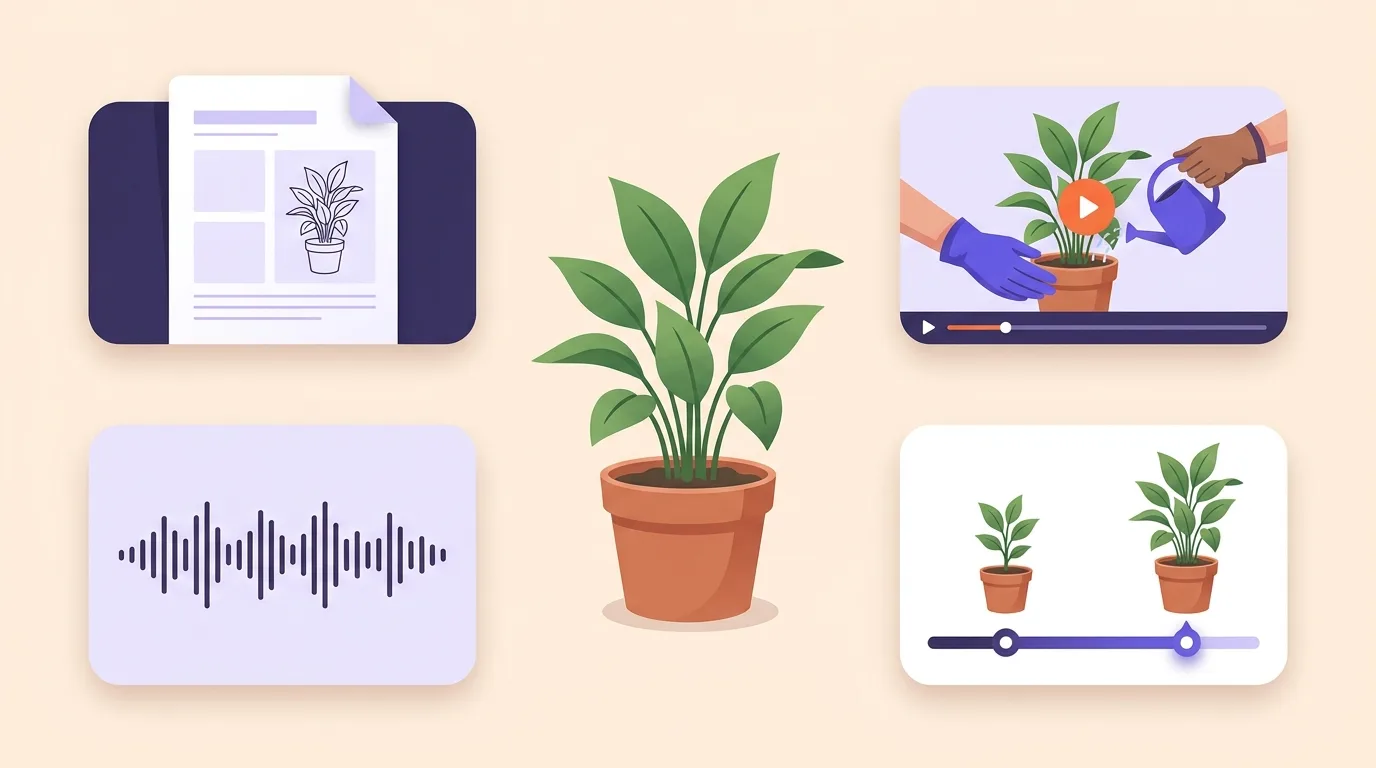
Content formats are ways to present information. An article explains a topic in text; a video can show how something works. The format describes how people receive and use your content, not where you publish it. For SEO, choose a format that fits the searcher’s task. Add another only when it serves a clear need.
These labels can overlap. A case study might be a written article or a video interview. No format belongs to a fixed audience or stage in the buying process.
Format, medium, channel, and file format
A video tutorial has several layers. Its teaching structure is separate from where you publish it and how you store the file.
| Layer | Meaning and example |
|---|---|
| Editorial format | The structure: a tutorial that teaches a task. |
| Medium | The mode of delivery: video. |
| Channel | The publishing location: YouTube, with an embed on a website. |
| File format | The file type: an MP4 video file. HTML structures the website page. |
Format optimization means choosing and refining how you present content to suit your audience and purpose. That can mean changing the main format or adding support where readers need it.
For the process of turning an idea into publishable content, see creating SEO content.
Why format matters for search usefulness
A reader choosing a service needs clear differences between options. Someone fixing a device may need to see a part move. The same presentation won’t always serve both tasks. Search intent is the purpose behind a query; use it to judge what your reader needs to do.
| Reader’s task | Format that may help | What it offers |
|---|---|---|
| Compare options | Comparison table | The same criteria side by side, with less need to jump between descriptions. |
| Follow a physical action | Video demonstration | A view of movement and steps that words alone may leave unclear. |
| Estimate a personal outcome | Interactive calculator | An estimate based on the reader’s inputs. |
Readers need to check the answer, too. A calculator should explain its assumptions, while a case study should make its evidence easy to find.
Choose media for its usefulness, not an expected ranking lift. Search performance depends on more than format. Search-result presentation can vary, and special visibility isn’t something you can count on from a format choice alone.
The main content formats and when to use them
Start with what the reader needs to do. A checklist suits a task they already understand, while a guide gives you room to explain unfamiliar steps.
| Format | Best-fit task | Concrete example | Main limitation |
|---|---|---|---|
| Articles and guides | Understand a topic | Composting guide | Length can bury answers |
| Lists and checklists | Scan or carry out a task | Launch checklist | Little room for explanation |
| Comparison tables | Weigh up options | Software comparison | Can hide important differences |
| Case studies and research reports | Examine evidence | Customer study | Claims depend on sound methods |
| White papers | Assess a detailed argument | Report on a business problem | Need evidence behind their claims |
| Diagrams and infographics | Trace links or patterns | Process map | Need text alternatives |
| Video demonstrations | Follow visible actions | Repair walkthrough | Harder to skim |
| Podcasts and audio interviews | Explore a discussion or story | Founder interview | Harder to reference |
| Interactive calculators and quizzes | Get an answer based on personal inputs | Material estimator | Depend on valid assumptions |
| Templates | Complete practical work | Planning worksheet | May need changes to fit the task |
| Ebooks and downloadable reports | Keep a portable resource | Field handbook | Require a download |
An interactive format should give the reader a useful answer or something they can use, not just something to click. Short-form and long-form describe length across media. Neither tells you who the audience is or how well the content will perform.
Indexing isn’t limited to HTML: Google can index PDFs and EPUBs, according to Google Search Central.
For article publishing, see SEO-friendly blogging. For planning recorded discussions or live sessions, see podcasts and webinars.
How do you choose the right content format?
Choose a primary format you can produce well and keep accurate. Start with the reader’s task, then check what your team can maintain.
- Identify the task. Use customer feedback and observed use. Don’t assume what people need based on age or job title.
- Decide what you need to show. A physical task may need a demonstration. A buying decision may call for a side-by-side comparison with evidence.
- Check how people will use it. Can they use it on a phone or with sound off? If a download is required, does it serve a real need? Check the work needed to produce and update the content, too.
- Choose a format you can support. Current search results can suggest what readers expect, but the most common format isn’t always the best fit. Use competitor analysis to spot patterns and gaps, not as instructions to copy.
Content strategy covers which content to prioritize. A content workflow sets out who does the work and when.
Example: choosing a paint format
Say you sell paint online. A shopper who needs to estimate paint quantity may benefit from a calculator with a measurement guide. If they’re unsure which finish to buy, a comparison table is a better starting point. The topic is the same, but the task changes the choice.
Miniature format brief
Keep the reason for your choice in the brief so the team knows what the finished content needs to do.
- User task: Estimate paint needed.
- Primary format: Interactive calculator.
- Supporting format: Measurement guide.
- Reason: Room dimensions are needed for the estimate.
- Intended success signal: Users reach an estimate without help.
Combine formats without duplicating the experience
Give each format a separate job. Written repair steps can serve as a reference, while a short video shows a movement that’s hard to describe. Add a checklist if readers need a way to track progress during the repair.
Choose list structure by meaning, not appearance. Use an ordered list when steps must follow a sequence and an unordered list when order doesn’t matter. For related terms and their descriptions, W3C recommends description lists. See W3C’s content structure guidance.
Content repurposing adapts information to a new use. Turning each paragraph into a slide isn’t enough on its own. An article can become an infographic if the visual makes the key relationships clear. A webinar can become audio if listeners can follow it without seeing the screen.
For web accessibility, give complex visuals a short description that identifies them and a longer text alternative with their essential information. Short alt text alone isn’t enough for a detailed chart or diagram; see W3C image guidance.
Prerecorded audio-only content needs an equivalent text alternative unless the audio is itself clearly labeled as an alternative to existing text. That exception is part of W3C audio guidance.
Follow image implementation guidance when adding supporting visuals.
A supporting video embed isn’t enough for video search eligibility. Google requires an indexed watch page whose main purpose is viewing a single video, according to Google Search Central.
Common content-format mistakes
Watch for choices that put extra work between the reader and the answer.
- Following fashion. Don’t choose a podcast or tool just because competitors use one. Choose it because it serves the task.
- Making comparisons slow. A video can show how a product works, but a table may be easier to scan when readers need to compare features.
- Adding decorative charts. Use a chart to show a pattern or relationship, not to fill space.
- Hiding simple answers. Put a direct answer on the page instead of forcing readers to play media or download a file.
- Adding interaction without value. Explain what a calculator does before asking for inputs. State its limits outside the result so readers can judge whether to use it.
- Loading answers only after interaction. Google doesn’t perform actions such as clicking or swiping to load primary content, so it advises against relying on those actions (Google). See JavaScript SEO for implementation.
- Removing mobile detail. Keep equivalent primary content on desktop and mobile. Google allows mobile layouts to use tabs or accordions rather than remove content (Google). See mobile-first indexing.
- Promising snippet placement. You can’t mark a page as a featured snippet. Google’s systems decide whether the content suits a search request (Google). See featured snippet optimization.
How can you check whether a format works?
Ask someone from your intended audience to use the content for its intended task. Can they find the answer and act on it? Watch where they get stuck, then compare that feedback with the signals you track.
- Check the intended outcome. Can the reader use the template or complete the checklist? For a demonstration, ask them to explain the action. Find out what was missing.
- Separate discovery from usefulness. Search visibility shows whether people encounter the content. Task checks show whether they can use it. A video play or longer visit alone doesn’t prove usefulness or an SEO benefit; see how to interpret user engagement metrics.
- Compare like with like. Use similar topics and audiences where possible. If a video covers a more popular topic than an infographic, you can’t tell whether format explains the difference. Placement and production quality can affect the comparison, too.
- Refine and test again. Keep what serves the task. Simplify parts that cause problems, or add support where readers need it. Repeat the task check after changes.
For analytics setup and reporting, use measuring content performance to connect each format’s purpose with the signals you track.
Frequently asked questions
Is evergreen content a content format?
Evergreen content is designed to stay useful over time. It’s not a format: an article or video can both be evergreen. Choose the format for the reader’s task, and update the content when facts or advice change.
Is there a fixed number of content formats?
No. Lists vary because they group content in different ways. A tutorial might count as an article type or as a format in its own right. Use the labels to plan your content, not as a checklist of formats you must publish.
Should every article have a downloadable PDF version?
No. A PDF may be useful when readers want to save or print an article. Google can index PDFs, according to Google Search Central, but you don’t need one for every page. Offer it when readers have a clear use for it, and plan how you’ll keep it in step with the web version.
Can a small team rely mainly on one content format?
Yes, if it fits your audience’s needs and your team’s skills. Leave room for exceptions: a visual task may need a demonstration rather than more text. Add another format when it serves a clear purpose and you can maintain it.