
Quick answer: Keyword research tools are applications that help you discover search terms and evaluate their potential using keyword suggestions, estimated demand, trends, and competition data. Some also report queries already bringing visibility to your website. Their metrics support decisions, but estimates and proprietary scores are not guarantees of traffic or rankings.
Key facts
- Google Keyword Planner provides keyword ideas, estimated search volumes, and advertising costs. Use Keyword Planner – Google Ads Help
- Keyword Planner averages include close variants and default to a 12-month period. About Keyword Planner forecasts – Google Ads Help
- Keyword Planner’s Competition metric measures advertiser competition, not organic ranking difficulty. About Keyword Planner forecasts – Google Ads Help
- Google Trends reports normalized interest on a 0–100 scale, not absolute search volume. FAQ about Google Trends data – Trends Help
- Search Console hides anonymized queries, so its query table is not a complete search-term inventory. Performance report (Search results): Dimensions and data groupings – Search Console Help
TL;DR: Choose tools for the data you need, test them on your actual market, and validate their estimates before using them to make SEO decisions.
- Seed keyword
- A starting word or phrase supplied to a tool to generate related keyword ideas.
- Search volume
- An estimate of search frequency for a keyword under a tool’s stated market, time-period, and matching rules.
- Keyword difficulty
- A provider-specific estimate of organic ranking competition, not a search engine score or ranking guarantee.
- Relative search interest
- A normalized measure of a term’s popularity within a selected time and location, rather than an absolute search count.
What are keyword research tools?
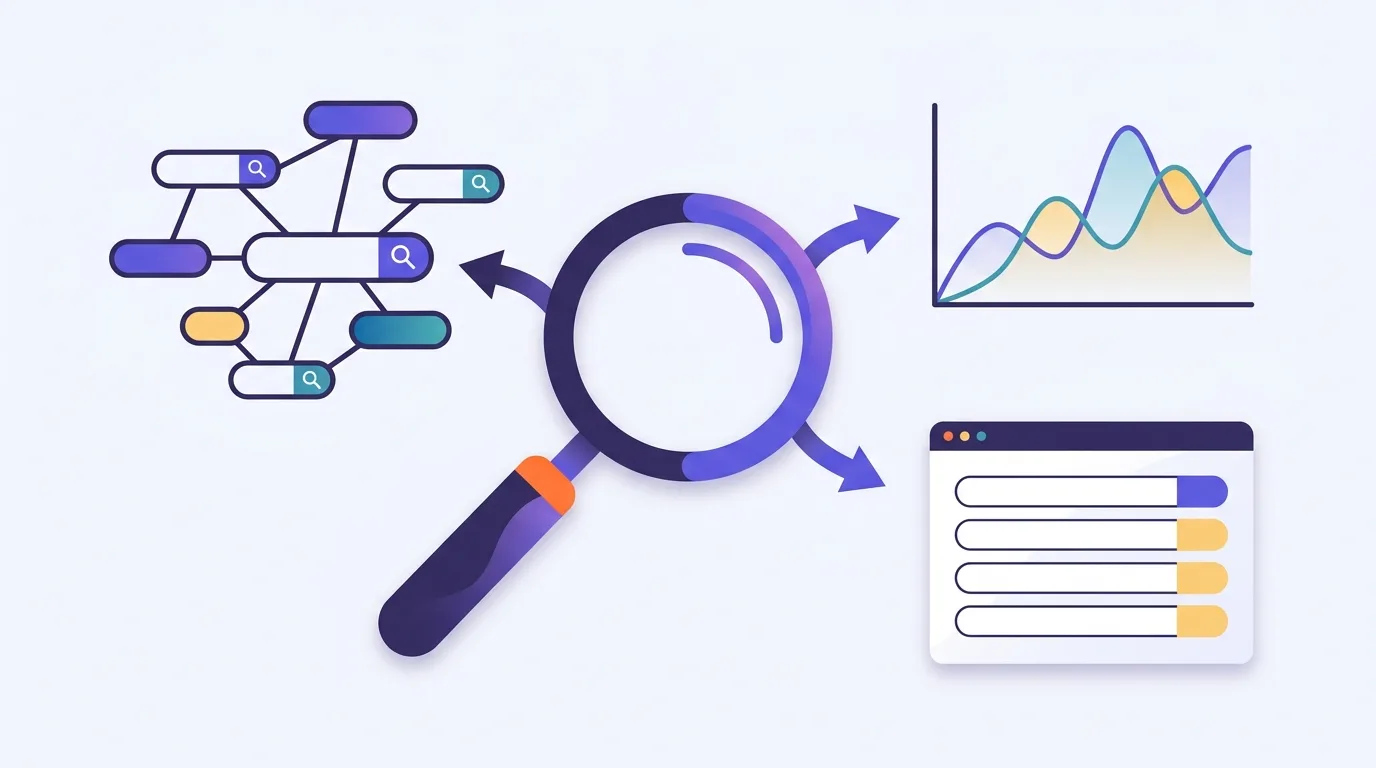
Keyword research tools help you find the words people use to search and decide which terms matter to your business. You can start with a phrase or a website, depending on the tool. Some tools suggest keywords; others show search trends or queries that already bring your site into search results. Their data can inform your choices, but it can’t predict your rankings or traffic.
What each tool category contributes
Discovery tools help you find terms beyond the ones you already know. Google Keyword Planner accepts words about your business or a website and returns related ideas, according to Google Ads Help.
Trend tools help you see how interest changes. Google Trends shows relative search interest over time rather than search counts, as explained by Google Trends Help.
Site reporting tools start with your own search presence. Google Search Console shows queries associated with your site’s visibility, according to Google Search Console Help.
For the broader workflow, see keyword research, from finding terms to choosing targets.
Why use complementary tools rather than trust one database?
Different tools answer different questions. Your site’s query data shows where you already appear, while a discovery tool can suggest terms you haven’t covered. Neither view is enough on its own when you’re planning new content.
Averages can hide seasonal demand
Say you sell snow boots. A monthly average can make demand look steady even when buyers search much more in winter. Keyword Planner provides average monthly search estimates, while Trends lets you examine changes in relative interest. Their measures differ, as explained by Google Ads Help and Google Trends Help.
Use the average to judge the scale of demand and the trend to explore its timing. If tools seem to disagree, check whether you’re looking at the same market and period before choosing the larger estimate.
Demand still doesn’t tell you what page to create. Use search intent to assess what people want from the terms you discover.
Google keyword tools: which jobs do they cover?
These Google tools serve different research needs. The comparison below covers their documented uses, not free tiers or subscription prices. Keyword Planner has an account setup requirement that you should check before planning to use it.
| Tool | Best suited to | Documented output | What to know before using it |
|---|---|---|---|
| Google Keyword Planner | Finding ideas and estimating demand | Related keywords and estimated search volumes, plus advertising cost estimates. See Google Ads Help. | Basic features require completed Google Ads account setup and billing information, according to the same documentation. |
| Google Trends | Exploring changes in interest | Relative search interest based on sampled data. See Google Trends Help. | Its scores aren’t search-volume counts. |
| Google Search Console | Reviewing your site’s search visibility | Queries with clicks and impressions, alongside click-through rate and average position. See Search Console Help. | It describes your site’s visibility, not demand across the whole market. |
If you’re considering a paid tool, check its current terms with the provider. A plan is only useful if it covers the work you need to do; a long feature list won’t tell you that.
Keyword gap analysis is the separate workflow for comparing keyword coverage between your site and competitors.
How should you interpret keyword tool metrics?
Start with what a metric measures, not whether its value looks attractive. An ad metric doesn’t tell you how hard an organic ranking will be, and a trend score doesn’t tell you how many searches took place.
- Average monthly searches: Keyword Planner includes a keyword and its close variants. The estimate depends on your selected date range, location and Search Network settings. It defaults to a 12-month average, according to Google Ads Help.
- Advertising competition: Keyword Planner’s Competition metric measures competition among advertisers, not organic ranking difficulty. See Google Ads Help. Don’t treat its advertising cost estimates as SEO difficulty scores either.
- SEO difficulty scores: Read the provider’s method before using a score. Don’t assume scores from different tools share a scale or measure the same thing.
- Trend scores: Google Trends uses sampled searches and adjusts interest by time and location to a 0–100 scale. A zero can reflect low search volume rather than no searches, as explained by Google Trends Help.
- Site visibility: Search Console reports your site’s clicks and impressions, with click-through rate and average position. These aren’t market-wide search counts; see Search Console Help. Query tables leave out anonymized queries for privacy, but chart totals include their metrics unless you apply a query filter. That can explain why the rows don’t match the total, according to Search Console Help.
The Google Search Console guide covers report setup and detailed metric interpretation.
Choose and test a tool on your own market
Start with the job you can’t do well today. If you need topic ideas, test the quality of suggestions. If you need to plan around seasonal demand, test how clearly the tool shows changes over time. You don’t need to buy a wider set of features just because they’re available.
Market coverage comes first. Say you run an online furniture shop and want ideas around garden furniture. Try that phrase in each tool that supports keyword input, using the same target country where possible. Look for terms that fit what you sell. A large export isn’t useful if most of it describes products you don’t stock.
Then test the part of the work that takes your time. Can you filter out irrelevant terms and export what remains? A lower-priced plan may suit occasional checks but become awkward if its limits force you to split each research task into separate batches. A higher-priced plan only makes sense if its extra capacity solves a real problem for you.
Before paying, check the provider’s current usage limits and terms. Save the market settings and extraction date with your export so you can repeat the test later.
Keyword mapping assigns your selected terms to suitable pages.
Common mistakes when using keyword tools
The main risk is letting a tool’s output make the decision for you. Watch for these habits:
- Sorting only by volume. Shortlist terms for relevance and business value, not just the largest estimate.
- Expecting easy rankings. Review the pages that already rank before committing to a target. A low difficulty score doesn’t tell you whether you can create a better answer.
- Mixing up metrics. Refer back to the metric definitions above.
- Treating suggestions as proven demand. A plausible phrase is a research lead, not proof that people search for it. Check suggestions against search data, and don’t present AI-generated numbers as measured demand.
- Accepting automated intent labels without checking. Look at the search results yourself. If a tool labels a term as a buying query but the results mostly explain how something works, investigate before choosing a product page as the target.
AI tools for SEO support broader workflows; assess their evidence and controls before choosing one.
Check data quality and whether the tool earns its place
A useful trial doesn’t settle the choice forever. Recheck a tool when your market changes or its outputs stop helping you make decisions.
Read how the provider collects its data and how often it updates it. If that information is unclear, treat the estimates with more caution. Spot-check suggestions against current search results, especially when they name old products or use wording your customers wouldn’t use.
For metric limits, refer back to the interpretation section above.
Judge ongoing value by the work you actually use. If you spend more time removing irrelevant suggestions than finding useful terms, test another source. If a paid feature sits unused, consider whether a simpler plan would cover your needs.
After publication, use content performance measurement to assess how the resulting content performs.
Frequently asked questions
What does Google Keyword Planner do?
Google Keyword Planner helps you discover keywords related to your business and view estimated search volumes. It also provides advertising cost estimates, according to Google Ads Help. You need to complete Google Ads account setup and enter billing information to access basic features.
Can a new website use keyword tools before it has Search Console data?
Yes. Google Keyword Planner can generate ideas from words describing your products or services, or from a supplied website, according to Google Ads Help. Start with what you sell, then check whether each suggested term fits your audience and planned content.
Is a browser extension enough for occasional keyword research?
It can be, depending on what you need and what the extension provides. Check whether it covers your market and explains its data sources. If you need to save or compare research later, test the export before relying on it. Choose based on the task, not the format.
Can keyword research tools show exactly what people ask AI assistants?
Don’t assume search keyword data records AI conversations. Google Keyword Planner provides keyword ideas and estimated search volumes, as described by Google Ads Help, not a direct record of AI prompts. If another tool claims to show AI questions, check whether it observes real prompts or generates likely questions. Those are different kinds of evidence.