
Quick answer: Topic clusters and pillar pages organize related website content around a shared subject. A pillar page provides a useful overview, while supporting pages answer narrower questions in depth. Relevant internal links connect them, helping readers navigate the subject and search engines understand relationships without requiring a separate page for every keyword.
Key facts
- Google recommends logical organization that makes relationships between pages understandable. Search Engine Optimization (SEO) Starter Guide
- Google generally infers site structure from links rather than URL structure. Help Google understand your ecommerce website structure
- Every important page should receive an internal link from another page. Link best practices for Google
- A page can match relevant query variations without containing every exact search term. Search Engine Optimization (SEO) Starter Guide
- Google has no preferred word count for pillar pages or supporting articles. Creating helpful, reliable, people-first content
TL;DR: Build a useful overview and distinct supporting pages around a coherent audience need, then connect them with relevant links rather than publishing a page for every keyword.
- Topic cluster
- A group of related pages that collectively address a subject and connect through useful internal links.
- Pillar page
- The overview page within a topic cluster, explaining the main subject and directing readers to deeper resources.
- Supporting page
- A page that addresses a narrower question or task in enough depth to be useful independently.
- Content pillar
- A recurring editorial theme, which is not necessarily a published pillar page or a linked topic cluster.
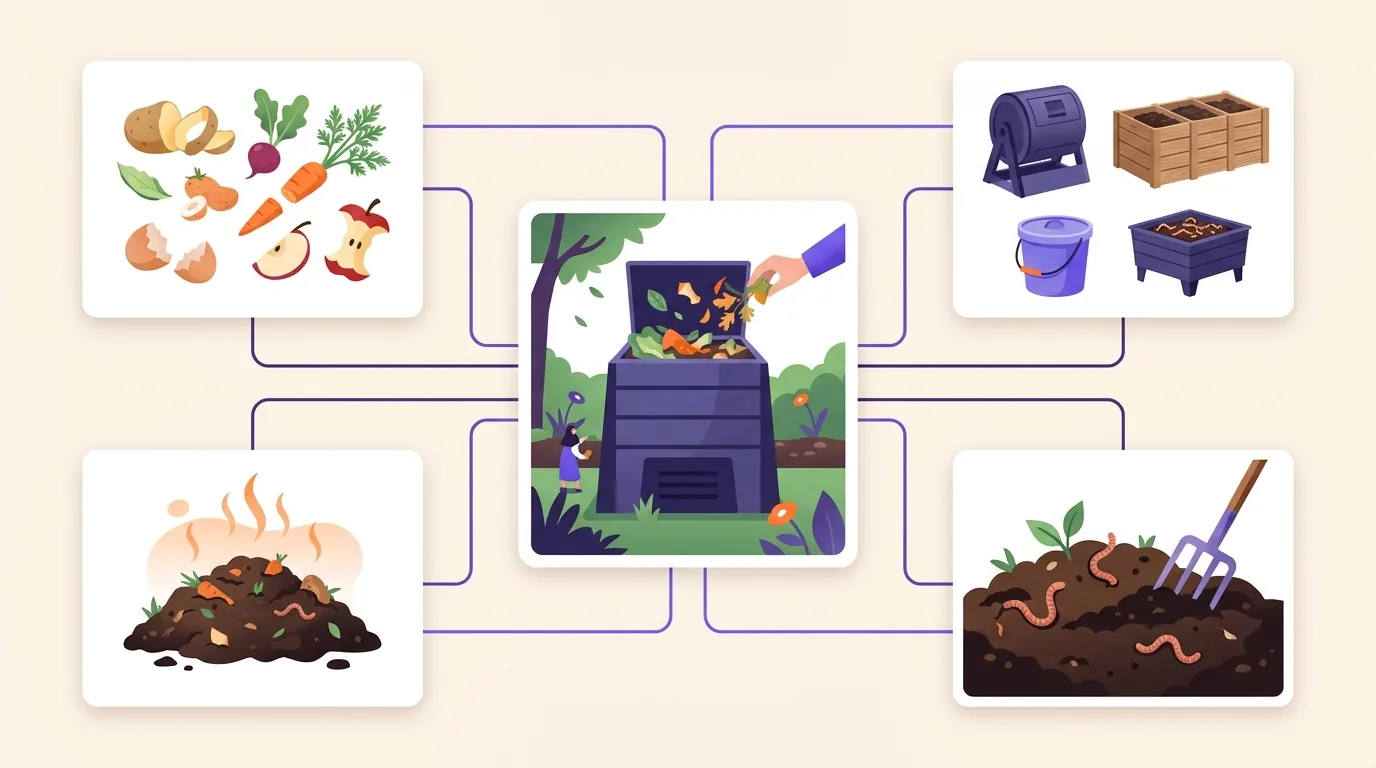
What are topic clusters and pillar pages?
Topic clusters and pillar pages organize related content around a core subject that matters to an audience. A topic cluster is the connected group of pages. Its pillar page gives a useful overview, while supporting pages explore distinct subtopics in depth. Internal links connect the overview and deeper resources.
A pillar must help readers directly. It should explain the subject, answer broad questions, and show where to go next. An unexplained list of links does not serve that purpose.
This approach supports Google’s advice to organize a website logically so readers and search engines can understand how pages relate to the wider site, as described in the Google SEO Starter Guide.
For example, a home composting pillar could explain the basic process and connect readers to supporting pages:
- Choosing a compost bin: compare options for different spaces.
- Materials to compost: explain what belongs in the bin.
- Troubleshooting compost smells: identify causes and practical fixes.
A marketing content pillar is an editorial theme, not automatically a published pillar page; broader theme selection and scheduling belong to content strategy and planning.
Why does a connected topic cluster help?
A connected topic cluster helps readers move from an overview to the specific answer they need without searching through unrelated content. Logical organization also helps search engines understand how pages relate to the wider site, making the connections between useful resources clearer, as described in Google’s SEO Starter Guide.
For readers, the value lies in solving a problem. A pillar page can introduce the choices involved, then point to a supporting page that explains a relevant task or answers a detailed question. Those connections should serve the audience, not just group similar keywords.
For search engines, links provide paths to discover related content. Google generally determines site structure from links between pages rather than URL structure and uses those connections to understand relative importance, according to Google’s site structure guidance. Google also recommends an internal link to every important page and links to related resources where they help readers, in its link guidance.
Topic clusters are an organizational approach, not a Google-mandated format or an automatic ranking boost. Broader site architecture and navigation help readers find their way across the whole website.
Choose a focused subject and set page boundaries
Subject selection and page boundaries define what a cluster covers and the reader task each page serves.
- Choose a coherent subject. Base the theme on audience questions and relevant industry subjects, not search volume alone. Home composting supports distinct questions within a useful overview; sustainability is too broad for that scope. Google encourages a clear site purpose and content useful to an intended audience: Google Search Central. Use existing keyword research as input.
- Define each reader task. The pillar page could help a beginner plan a home composting system. Supporting pages could explain choosing a bin or fixing unpleasant smells. Before drafting, check which useful existing pages could fill these roles. A supporting page earns its place through a distinct reader need and enough useful depth, not a search-volume threshold.
- Keep related variations together. “Compost smells bad” and “smelly compost” can share an answer; different wording does not require separate content. Google can match pages to relevant query variations without every exact term appearing: Google SEO Starter Guide.
Use keyword mapping and cannibalization analysis for formal query-to-URL assignment and keyword cannibalization diagnosis.
Build the pillar and supporting-page outline
A pillar and supporting-page outline assigns audience questions to pages and shows how those pages connect.
Plan useful guides for your intended audience, not unrelated articles added only to attract search traffic, in line with Google’s people-first content guidance.
Example: home composting
This outline gives the pillar a practical overview and supporting pages distinct tasks.
| Page role | Reader task | What it covers | What it leaves elsewhere | Relevant connected pages |
|---|---|---|---|---|
| Pillar: home composting guide | Start and maintain compost | Getting started, choosing an approach, suitable materials, maintenance, and common problems | Detailed method comparisons and troubleshooting | Choosing a composting method; compost smells |
| Supporting: compost smells | Identify and fix an odor | Detailed causes, checks, and remedies | General setup and method selection | Home composting guide |
| Supporting: choosing a composting method | Choose an approach | Options by space, materials, and upkeep | Ongoing troubleshooting | Home composting guide |
Keep essential answers on the pillar. Summarize troubleshooting there; link to the smell guide for detailed diagnosis rather than requiring a click for every basic explanation.
Let useful coverage set length: Google has no preferred word count (Google Search Central).
Do not impose a supporting-page quota or cover every adjacent subject.
Use clear headings and a readable structure when drafting SEO content.
Connect the cluster with useful internal links
Internal links connect a topic cluster by guiding readers between the pillar overview and relevant supporting pages.
- Link from summaries to depth. In each relevant pillar summary, link to the supporting page that answers the narrower question. Give every important page an incoming internal link, as Google recommends.
- Offer context and next steps. Link supporting pages back to the overview where it adds context. Link supporting pages to one another only when that helps the reader’s next task. An all-to-all network is not required; Google sets no ideal link count, according to its link guidance.
- Name the destination clearly. Use descriptive anchor text such as “fix compost smells,” not “click here” or forced keyword strings, following Google’s anchor text guidance.
Each connecting link should use an HTML anchor element with an href attribute pointing to a real page address, per Google’s crawlable link guidance.
Matching directory paths alone do not create a cluster. Google generally infers site structure from links rather than URL paths, as its site structure guidance explains.
For broader link architecture and implementation guidance, see internal linking.
Common mistakes that weaken a topic cluster
Common topic cluster mistakes weaken subject boundaries, page usefulness, or the connections between pages.
- Confusing a category with a cluster. A coherent cluster serves related reader tasks. A broad category label alone does not turn loosely related posts into a useful whole.
- Creating thin pages for keyword variations. Separate pages should answer distinct needs, not rephrase the same answer. Google can match pages to relevant query variations without every exact term appearing, according to its SEO Starter Guide.
- Making the pillar exhaustive or empty. An oversized pillar repeats supporting articles; a link-only hub fails to explain the subject. Provide a useful overview and leave detailed answers to supporting pages.
- Working toward arbitrary quotas. Let reader needs determine page scope and cluster size. Google specifies no ideal link count in its link guidance and no preferred word count in its helpful content guidance.
- Expanding beyond the subject. Avoid unrelated additions merely to enlarge the cluster or chase traffic, consistent with Google’s people-first content guidance.
Multiple pages appearing for a query do not automatically prove keyword cannibalization; use keyword mapping and cannibalization guidance for diagnosis and remedies.
How can you check whether the cluster works?
A cluster check tests whether connected pages meet reader needs and show useful search performance. Confirm that the pillar answers the overview task, supporting pages serve distinct purposes, promised resources exist, and readers can follow relevant links from the overview to detailed answers and back to broader context.
Check coverage and connections
This focused review tests page roles and navigation, consistent with Google’s advice to organize sites logically: Google SEO Starter Guide.
- Does the pillar provide a useful overview?
- Does each supporting page answer a distinct question?
- Are promised resources available?
- Does every important page have a relevant incoming internal link, as Google recommends?
Review evidence and refine
A cluster URL list defines the group to review alongside individual pages, rather than judging only the pillar.
- Compare relevant query impressions and clicks before and after changes, accounting for seasonality, publishing dates, and other site changes; use Google Search Console for reporting mechanics.
- Check whether visitors complete useful actions, such as finding instructions or submitting an inquiry; see measuring content performance for broader KPI selection and analytics setup.
- Use evidence to improve missing explanations, weak connections, or unclear page roles; traffic growth alone does not prove that clustering caused the change.
Frequently asked questions
What is the difference between a pillar page and a landing page?
A pillar page gives readers a broad overview of a topic and links to supporting pages that cover specific questions. A landing page is any page someone enters a site through, though marketers often use the term for a page focused on a specific action. These roles can overlap: a pillar page can also be a visitor’s landing page.
Can an existing blog post become a pillar page?
An existing blog post can become a pillar page if it provides a useful overview and connects readers to deeper content. Check whether its topic is broad enough to support related articles. Then fill gaps, improve navigation, and add relevant internal links. Keep detailed subtopics on supporting pages rather than expanding the post into an exhaustive guide.
Can a category page serve as a pillar page?
A category page groups related content or products and can serve as a pillar page when it also helps readers understand the topic. Add a clear introduction, useful guidance, and organized links to supporting resources. A bare list may work as navigation, but it does not necessarily provide the overview readers need from a pillar page.
Do you need to publish the pillar and all supporting pages at the same time?
A topic cluster is a group of connected pages, not a publishing schedule. You can publish it in stages, starting with whichever pages already offer useful content. Add links as supporting pages go live, and avoid links to unpublished destinations. Give each important page an internal link from another page, as recommended by Google Search Central.