
Quick answer: On-page SEO is the practice of improving a page’s content and elements you control so search engines can understand it and people can use it. It includes titles, headings, copy, links, and media. Effective optimization starts with the reader’s task, not a checklist of keyword placements.
Key facts
- SEO helps search engines understand content and users decide whether to visit a page. Search Engine Optimization (SEO) Starter Guide
- Google recommends people-first content and relevant search terms in prominent locations. Google Search Essentials
- Google primarily generates snippets from page content, sometimes using the meta description. Control your snippets in search results
- Google ignores the meta keywords tag, and excessive keyword repetition violates its spam policies. Search Engine Optimization (SEO) Starter Guide
TL;DR: Start with the reader’s task, prioritize the page improvements that remove the biggest obstacles to completing it, and measure results before iterating.
- On-page SEO
- Improving a page’s content and controllable elements to support search understanding and usefulness to visitors.
- Page purpose
- The specific task a page is intended to help its audience complete.
- Optimization hypothesis
- A testable explanation of how a proposed page change could improve a defined outcome.
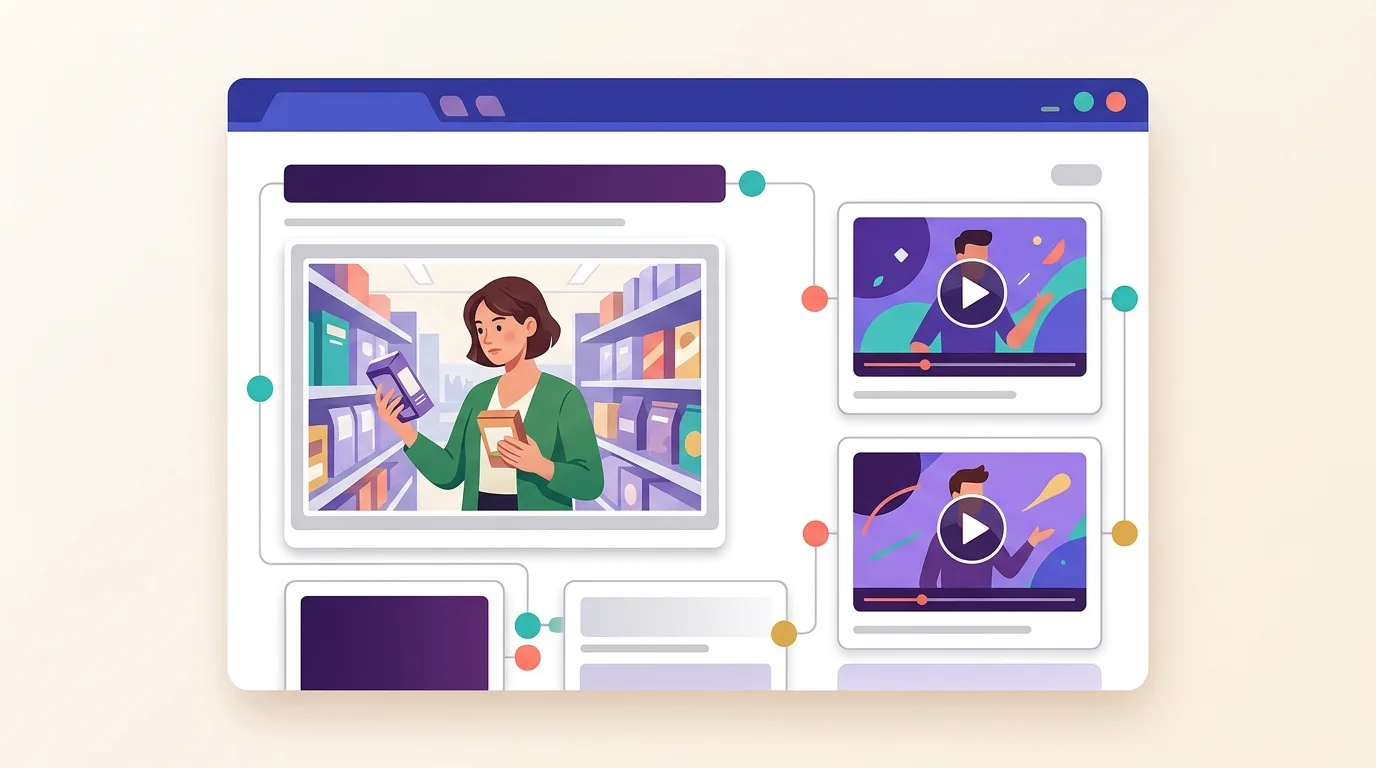
What does on-page SEO include?
On-page SEO is the work of making a page more useful and easier to understand. This on-page SEO guide focuses on changes you can make to the page itself, from its content to its search title. Start with what your reader needs, not a quota for keywords.
Google describes SEO as helping search engines understand content and helping people discover a site and decide whether to visit it from search results, as explained in the Google SEO Starter Guide.
A page’s purpose guides its components
A product-selection guide should help readers choose a suitable product. Before editing it, ask what they need to compare and where the advice falls short. Then make each part of the page support that task:
- Content: answer the questions that affect the choice.
- Title: describe what the page actually offers.
- Headings: make key advice easy to find.
- Links: give readers a useful next step.
- Media: show details that words alone don’t explain well.
Where this scope ends
Technical SEO deals with how search engines access and process your site, along with the underlying systems. Those problems need checks beyond the page edits covered here.
Off-page SEO and link building covers externally earned links and reputation signals rather than changes to the page itself.
Why does a coordinated page matter?
If your title promises a product comparison but the page only describes your own product, the content doesn’t match the promise. Fix that mismatch before polishing the wording.
Apply the SEO principle outlined above.
Start with search intent: what does the reader want to do? Read the page against that need, then check whether its search presentation describes the answer honestly.
- Check the title against the content. The title tags entry explains how to write distinct, descriptive titles. Google recommends concise titles but sets no fixed character limit; displayed title links may be cut to fit the device width (Google Search Central).
- Check the summary against the page. Meta descriptions should give an accurate summary. Google draws snippets mainly from page content and may use the description, so the displayed text can vary by query (Google Search Central).
- Check the opening. Make it clear that the reader has reached the right page without delaying the answer.
- Check the next step. A comparison should help readers choose; a how-to page should help them carry out the task.
Google recommends helpful, reliable, people-first content and the use of searchers’ words in prominent places such as titles and main headings (Google Search Essentials). Use those words to clarify a useful answer, not to disguise a missing one. Ranking and traffic gains remain uncertain.
How should you prioritize changes to a page?
Fix a wrong or incomplete answer before polishing its appearance. Your first job is to find the largest obstacle to the reader’s task, then choose edits that address it. The sequence below is editorial guidance, not a Google-mandated formula.
- State the audience and task. Write who the page serves and what they need to accomplish.
- Inspect the page. Check whether the answer is complete and supported. Can readers find it and act on it?
- Identify the largest obstacle. Start with the issue that most affects the reader. Weigh your confidence in the diagnosis against the effort needed to fix it.
- Group related fixes. Make changes that solve the same problem; leave unrelated polish for later.
- Record the intended outcome. Write down what should become easier for readers and how you’ll check it.
Match the obstacle to the right work
If the answer is weak, start with content optimization. If the wording doesn’t match how your audience searches, use on-page keyword optimization to make it clearer without forcing repetition.
If readers struggle to find an answer within the page, review your HTML headings. Google sets no ideal heading count. Logical heading order benefits screen-reader users, even though heading order doesn’t matter for Google Search (Google SEO Starter Guide).
If the next step is hard to find, review your internal linking. Google generally needs an HTML anchor with an href attribute to crawl a link reliably. Descriptive link text tells readers and Google what the destination is about (Google link guidance).
Use outbound links when readers need an external source or further detail. That entry covers source selection and external-link attributes.
Choose media and presentation work that serves the page
If you’re explaining how to measure a sofa for a doorway, a labelled diagram may be more useful than another paragraph. A decorative room photo won’t solve the same problem. Choose media because it answers a reader’s question, not because a checklist asks for an image.
Choose the route that fits the need
- Show something hard to explain: Image Optimization covers useful images and how to deliver them well. Write alt text that describes the image in context, without stuffing in keywords. Google uses alt text alongside computer vision and surrounding content to understand images (Google Search Central).
- Demonstrate a process: Video SEO and YouTube covers improving video discovery on web pages and YouTube. Consider video when readers need to see an action, rather than just read its steps.
- Present a direct answer: Optimizing for Featured Snippets covers clear answer presentation. You can make an answer easy to read, but selection for a snippet remains uncertain.
- Improve sharing previews: Open Graph and Social Sharing covers metadata for supported social previews, not Google search snippets.
Common mistakes: optimizing the checklist instead of the page
If a buying guide leaves a key purchase question unanswered, fix that gap before filling an optional metadata field. A completed checklist isn’t evidence that the page is useful.
Completion is not the same as usefulness
Don’t make an optimization score the goal. Use it to spot possible issues, then inspect the page. A tool can flag a missing element without knowing whether adding it would help your reader.
Don’t copy competitors without a reason. A comparison table may suit a buying decision but add little to a simple definition. Before borrowing a format, identify the question it would answer.
Specialist guidance replaces arbitrary targets
On-page keyword optimization explains how to use natural language instead of density targets. Google doesn’t use the meta keywords tag, and excessive keyword repetition violates its spam policies (Google SEO Starter Guide).
For header tags, follow the heading guidance in the prioritization section above.
AI Search, GEO and AEO covers discovery in AI answers. Don’t treat it as another set of boxes to tick: completing on-page tasks doesn’t ensure visibility in search or AI citations.
How can you check whether the changes helped?
Use the page purpose defined above as your evaluation baseline.
First confirm that the edit is live and works as intended. Then check search performance and whether readers can complete the task. Compare similar periods, but treat any movement as evidence to investigate—not proof that your edit caused it.
Separate implementation from outcomes
An implementation check tells you whether the change is present and usable. An outcome check tells you whether performance changed. You need both.
- Log the change. Record the page URL and publication date. Describe the problem, what you changed and the intended outcome.
- Verify the edit. Use the On-Page SEO Audit to inspect the page and find remaining problems. Check the published page, not just the editor preview.
- Check search performance. Google Search Console covers page and query data. Look at impressions and clicks for the searches the page is meant to serve; use click-through rate and average position as context.
- Check the reader task. Google Analytics 4 for SEO covers organic landing-page behavior and relevant key events. Choose a measure tied to the page’s purpose rather than a convenient metric.
- Compare with context. Allow for seasonal demand and changes in the queries bringing visitors. Record other site edits or search-result changes that could affect the comparison.
Connect an edit to a useful check
Say your sofa buying guide explains fabric choices but doesn’t help readers check doorway clearance. You add a measurement diagram with clear instructions. On the live page, confirm that the labels are readable on mobile and that the instructions match the diagram.
In Search Console, monitor impressions and clicks for that page on doorway-fit queries. The reader task is different: can someone use the instructions to decide whether a sofa will fit? Ask readers to work through the steps and watch for unclear measurements. More search visits alone wouldn’t tell you whether you fixed that problem.
If the edit is live but the task is still difficult, revise the explanation. If the task is clearer but search performance is unchanged, investigate further rather than assuming the work failed.
Frequently asked questions
Can I do on-page SEO without a paid SEO tool?
Yes. You can inspect the page yourself and use the checks above without paid software. Start by asking whether it answers the reader’s main question. Then compare the title with that answer. A tool may flag issues faster, but you’ll still need to judge which ones matter.
How long does it take for on-page SEO changes to affect search results?
The effect depends on search engines discovering and reassessing the updated page. There’s no fixed timetable, and an edit may not produce a visible ranking change. Record what you changed and when, then follow the evaluation process above.
Does on-page SEO apply differently to product pages and blog posts?
Product pages support buying decisions, while blog posts usually answer questions or explain a subject. On a product page, make specifications and purchase details easy to find. For a blog post, focus on a direct answer with enough evidence to support it. The reader’s task should decide what belongs on the page.
Should I optimize an existing page or create a new one?
Improve the current page when its purpose still matches the searcher’s goal but its content is weak or outdated. Create a separate page when the reader needs a distinct answer or a different buying journey. Minor keyword variations alone aren’t a good reason to create near-duplicate pages.
Entries in this chapter
- Title Tags — Write a distinctive, accurate title for each page, verify the published HTML and Google’s displayed title link, and evaluate changes using comparable search-performance data.
- Meta Descriptions — Write an accurate, distinctive summary for each priority page, put its main value first, and evaluate actual snippets and clicks rather than chasing a character limit or ranking boost.
- Header Tags (H1–H6) — Build a descriptive heading outline that reflects the content’s hierarchy, implement it with semantic HTML, and check the rendered page rather than chasing heading-count or ranking formulas.
- On-Page Keyword Optimization — Make the page’s subject clear with relevant search language, remove forced repetition, and use query-level performance data to guide further edits.
- Content Optimization — Improve the page’s ability to answer its audience’s actual questions by fixing substantive gaps, strengthening evidence, and removing unnecessary content before checking results.
- Internal Linking — Connect important pages from relevant existing content using descriptive, crawlable links, then audit the destinations and paths regularly.
- Outbound (External) Links — Add outbound links where they help readers verify or understand your content, qualify commercial and user-generated links correctly, and regularly check their destinations.
- Image Optimization — Serve appropriately sized, visually clear, crawlable images with context-appropriate alt text, and prioritize loading the image users need first.
- Video SEO and YouTube — Match each video to a viewer need, optimize its YouTube presentation, make any website watch page eligible for video indexing, and measure the two surfaces separately.
- Optimizing for Featured Snippets — Improve a relevant page’s answer passage for clarity, accuracy, and extractability, then check snippet eligibility and measure outcomes without assuming selection will increase clicks.
- Open Graph and Social Sharing — Publish accurate, fetchable social metadata in the HTML head, provide a relevant preview image, and test real shared URLs before adding optional lightweight share controls.
On-Page SEO — frequently asked questions